About this AI skill
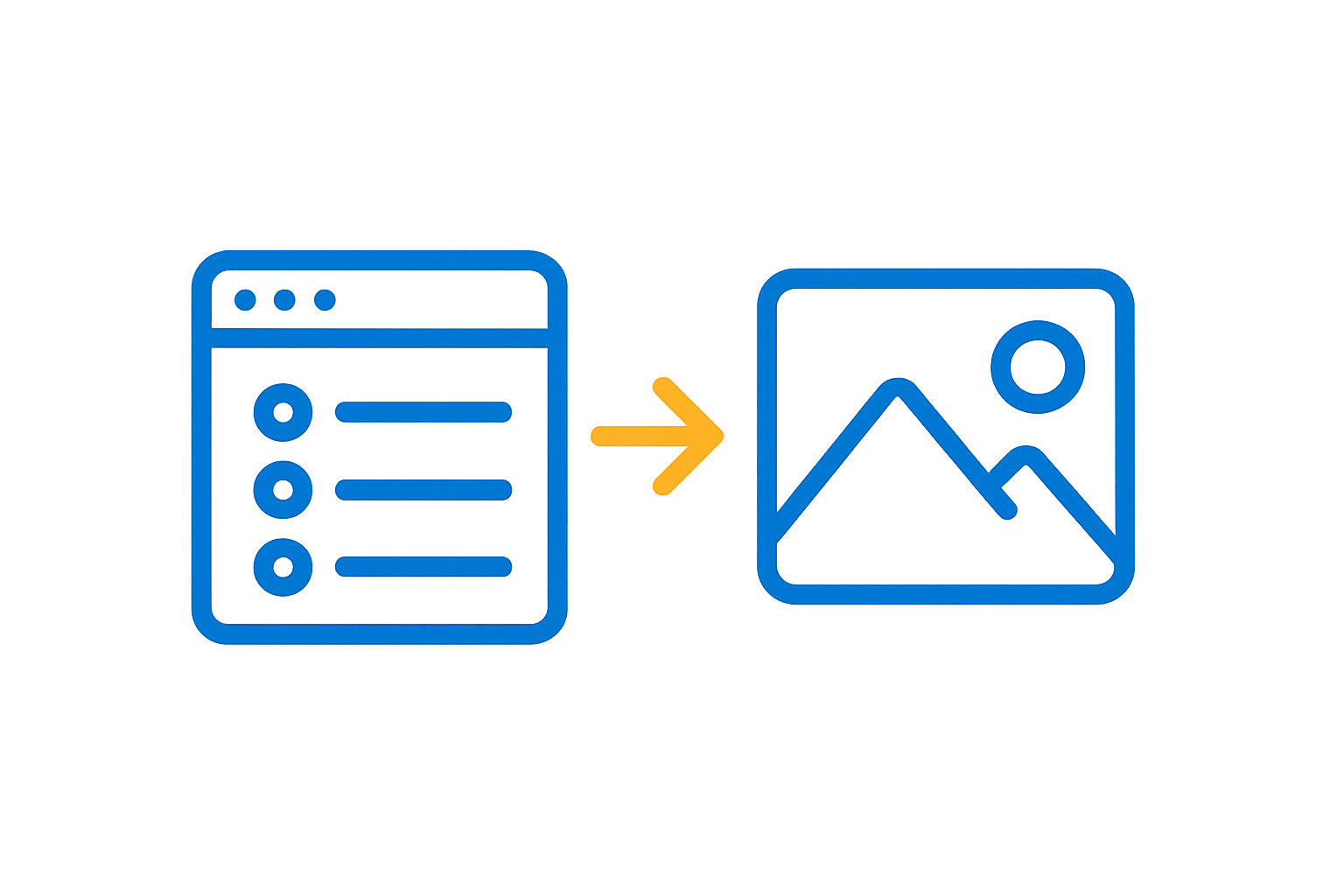
The Image generation skill is pre-built for Elle (the AI assistant in Aha! software) and creates a conceptual visual from a feature or idea record. Elle reviews the record details and confirms the image description with you, including the style and intended audience, before generating it. It outputs an image with an explanation of how it represents the concept, an alternative direction when relevant, and notes on anything simplified or omitted.
The full Image generation skill, as Elle uses it:
# Image generation

Use when a feature or idea needs a visual to communicate the concept quickly, for a review, a presentation, or a stakeholder update.

## Definitions

Use these meanings consistently in every step.

- **Subject:** What the image needs to show, taken from the record or supplied by the user.
- **Purpose:** Where the image will be used, which sets its style and dimensions. A slide, a record description, and a launch announcement need different images.
- **Style:** The visual treatment, such as illustration, diagram, photographic, or cartoon.
- **Audience:** Who will see the image, which determines how much product knowledge it can assume.

## Workflow

1. Read the record to understand the concept. When the user has not said what the image should show, propose a subject in one line and confirm it before generating.
2. Confirm purpose, style, and audience. Default to a clean illustration suited to an internal review.
3. Describe the image in words first: the subject, the composition, the style, and what should be left out. Confirm that description before generating.
4. Generate the image.
5. Explain how the image maps to the concept, so a reviewer can judge whether it communicates the right thing.
6. Offer one alternative direction when the concept could be shown a different way.
7. Note anything the image simplifies or omits that a viewer might read as a product decision.

## Rules

- If the concept is unclear, ask what the image should show before generating
- Do not render product screens as if they were real screenshots. A generated image is not evidence of what the product does.
- Avoid text inside the image where possible. Generated text is unreliable and hard to correct.
- Match the audience. An image for customers cannot assume internal terminology.
- Reference the source record by reference number and name
- Do not attach the image to the record. Present it and let the user decide.
- Headers use sentence case. No em dashes, en dashes, or curly quotes.

## Output

```
## Concept
<what the image shows and why it fits>

## Image
<the generated image>

## How it maps to the record
- <element in the image, and what it represents>

## Alternative direction
<one other way to show the concept, in two to three sentences>

## Simplifications
- <what the image leaves out>
```

## Quality checks

- The image was described in words and confirmed before generating
- The image does not imitate a real product screenshot
- Simplifications are stated so they are not read as product decisions
- The style matches the stated purpose and audience
Try this AI skill now
Open the Image generation skill in Aha! software to illustrate the concept behind a feature or idea.
Open this AI skillAbout Elle
Elle , the AI assistant in Aha! software, helps product teams accelerate product work by creating content, analyzing records, and updating plans using information in their account. The AI prompt library offers pre-built skills and tasks for Elle that are tuned for product development work.