This article discusses functionality that is included in the Aha! Knowledge Advanced plan. Please contact us if you would like a live demo or want to try using it in your account.
Aha! Roadmaps | Publishing overview
This article provides an overview of publishing workflows, settings, and configurations in Aha! Knowledge to help you take control of publishing in your knowledge base.
Publishing workflows
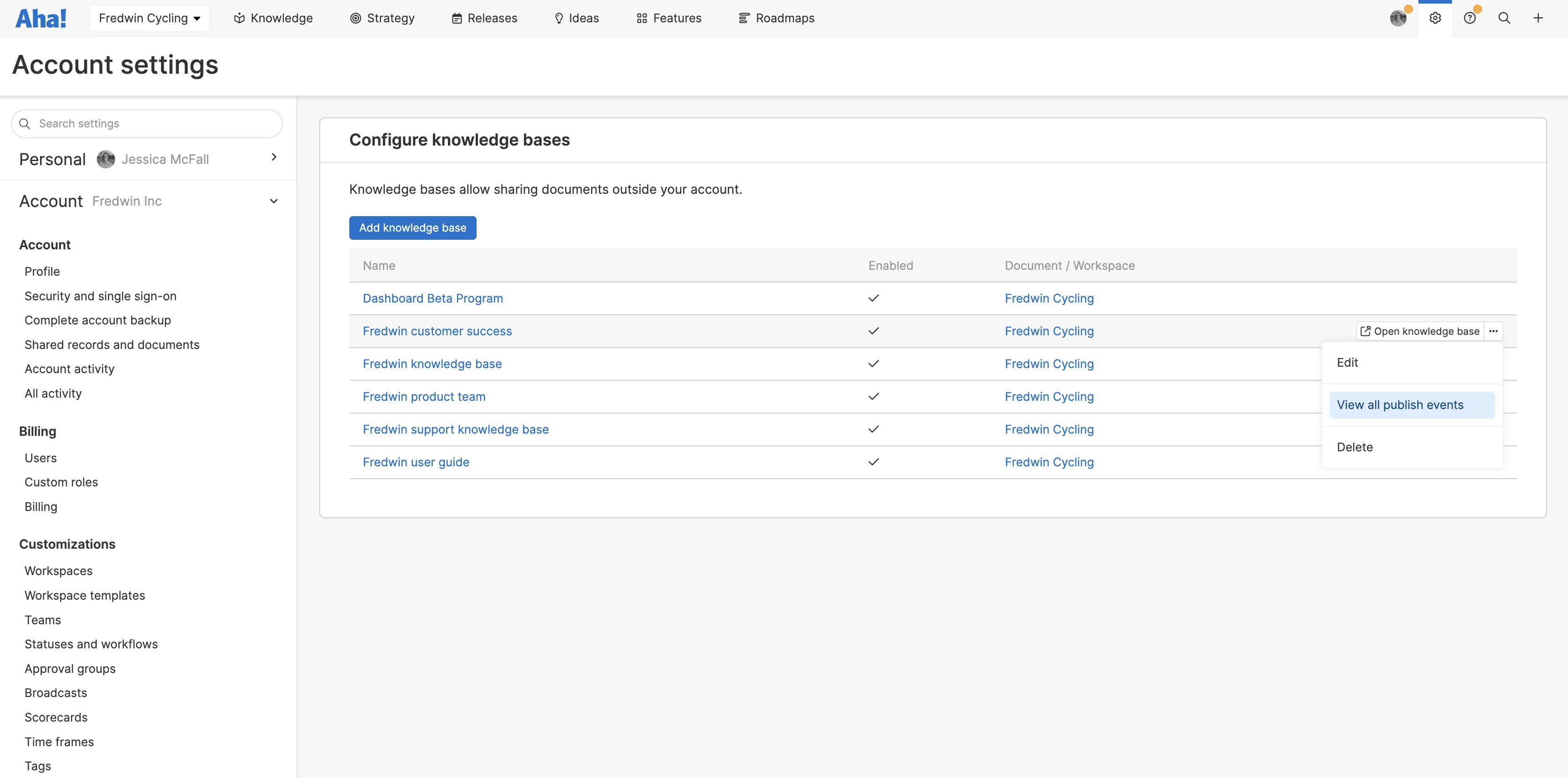
You will select a publishing workflow when you first create a knowledge base. This workflow determines when changes to documents will be visible on your live website. A customization administrator can update a knowledge base's publishing workflow at any time in your knowledge base's settings. There are two publishing workflows to choose from:
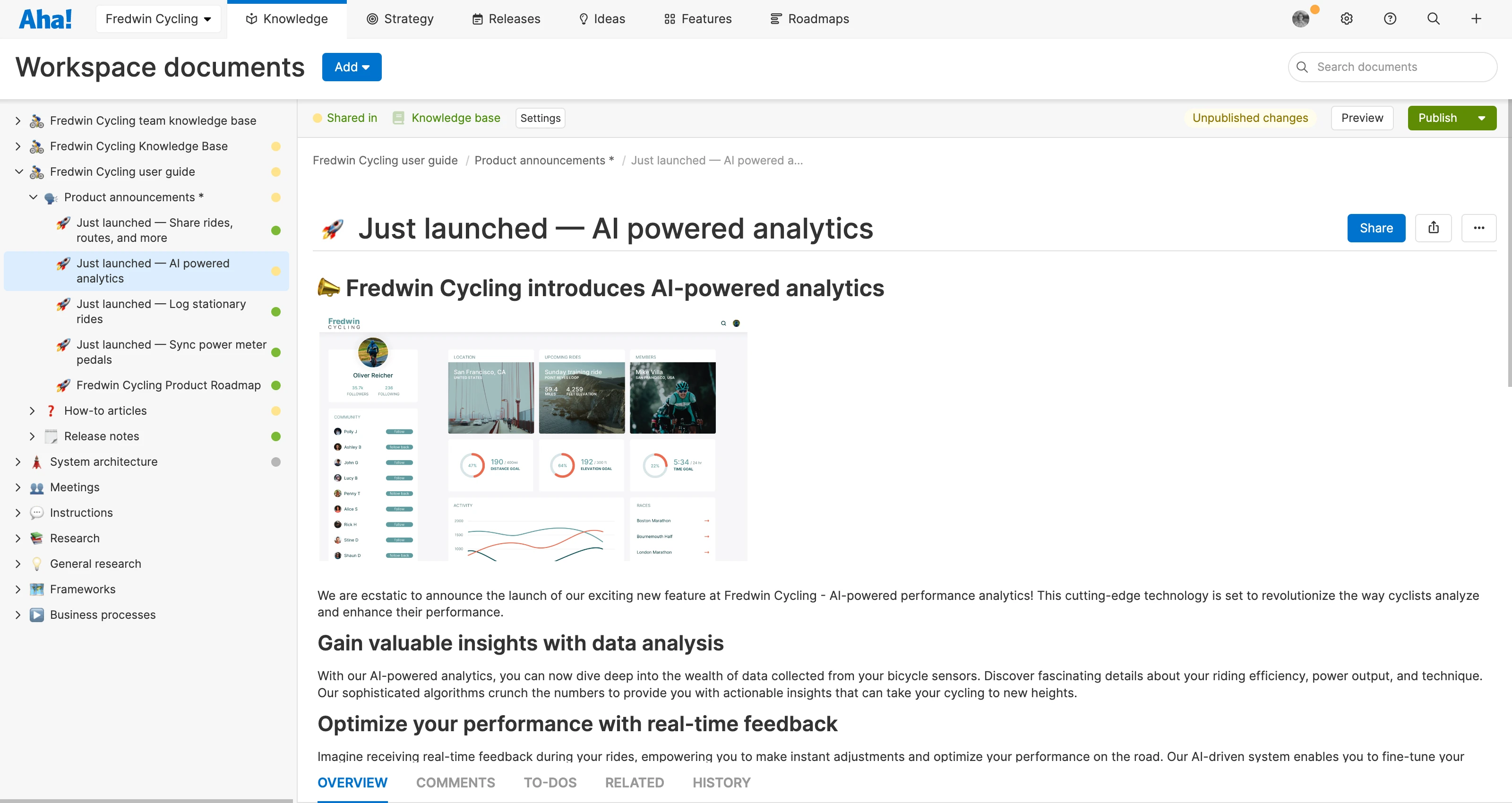
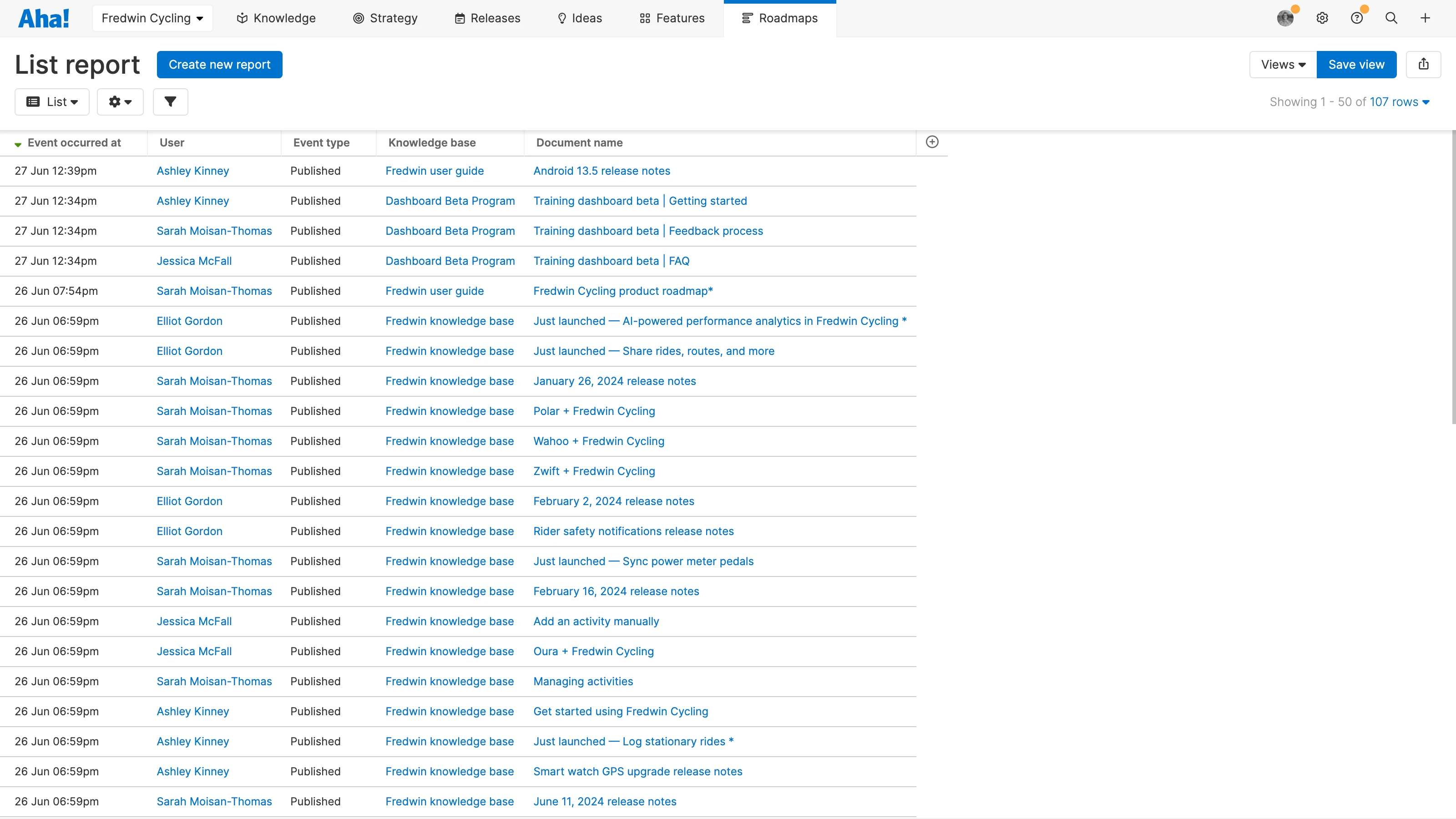
Publish as you write: Choose this workflow if you want changes to your documents to be visible in the published knowledge base immediately. When using the Publish as you write workflow, documents that are live in a knowledge base will have a dot next them in your workspace documents, with a green dot next to all published documents and a yellow dot next to documents with unpublished changes. Each document will also indicate at the top that it is shared in a knowledge base.
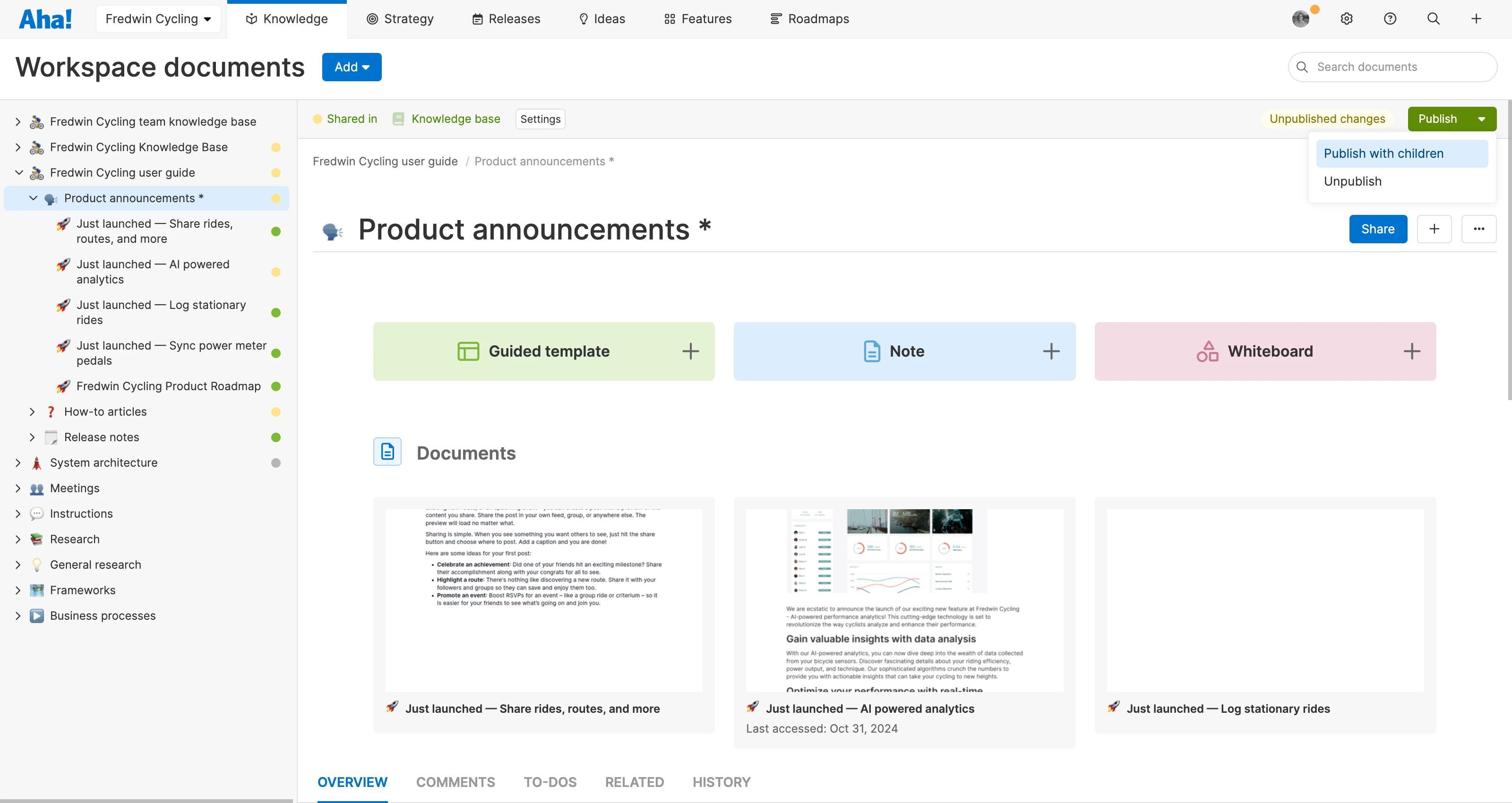
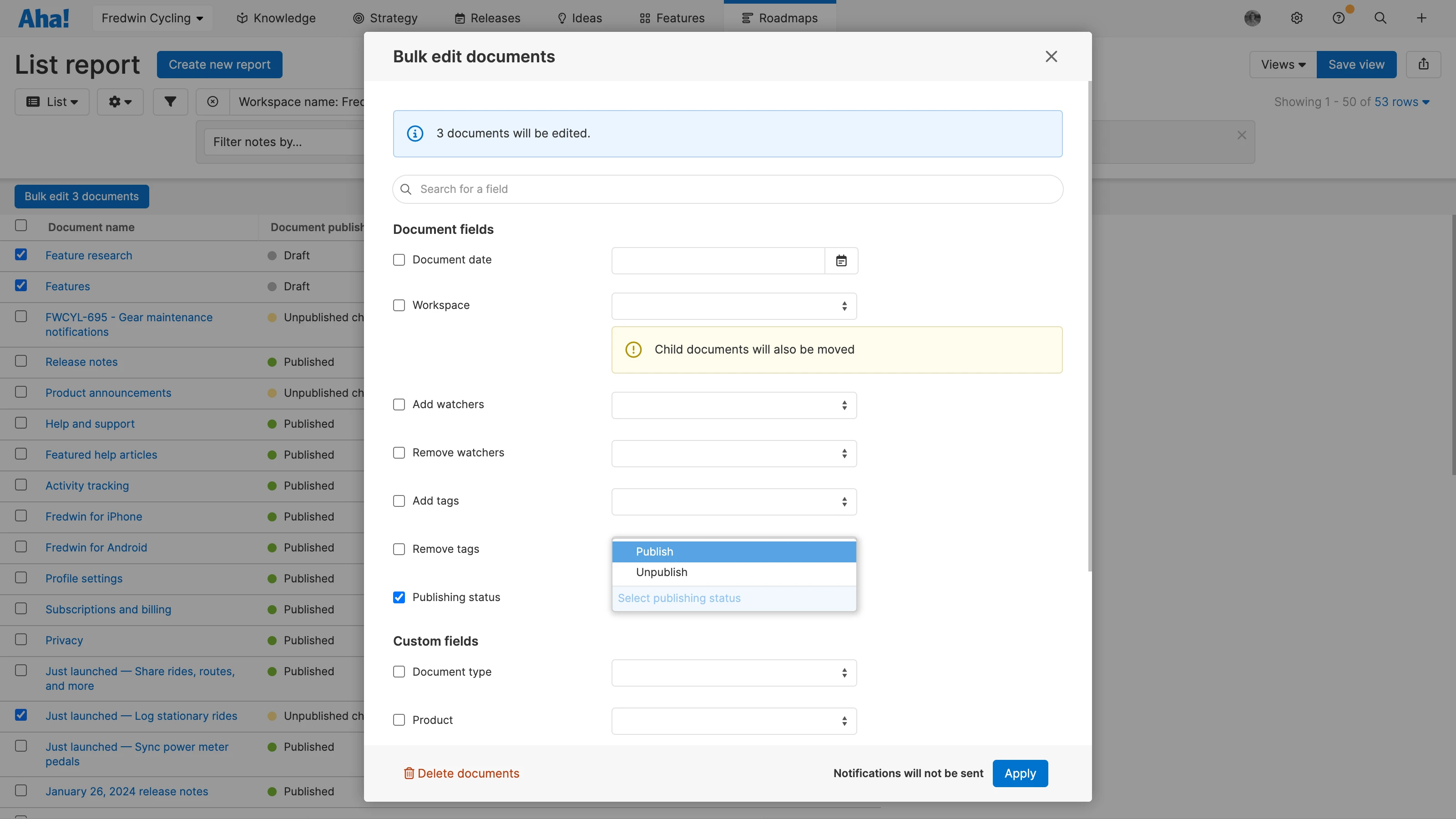
Publish after drafting: Choose this workflow if you want to make edits to your documents and then publish those changes when you are ready. Documents in knowledge bases using this workflow display status indicators, so you know when a document has unpublished changes.