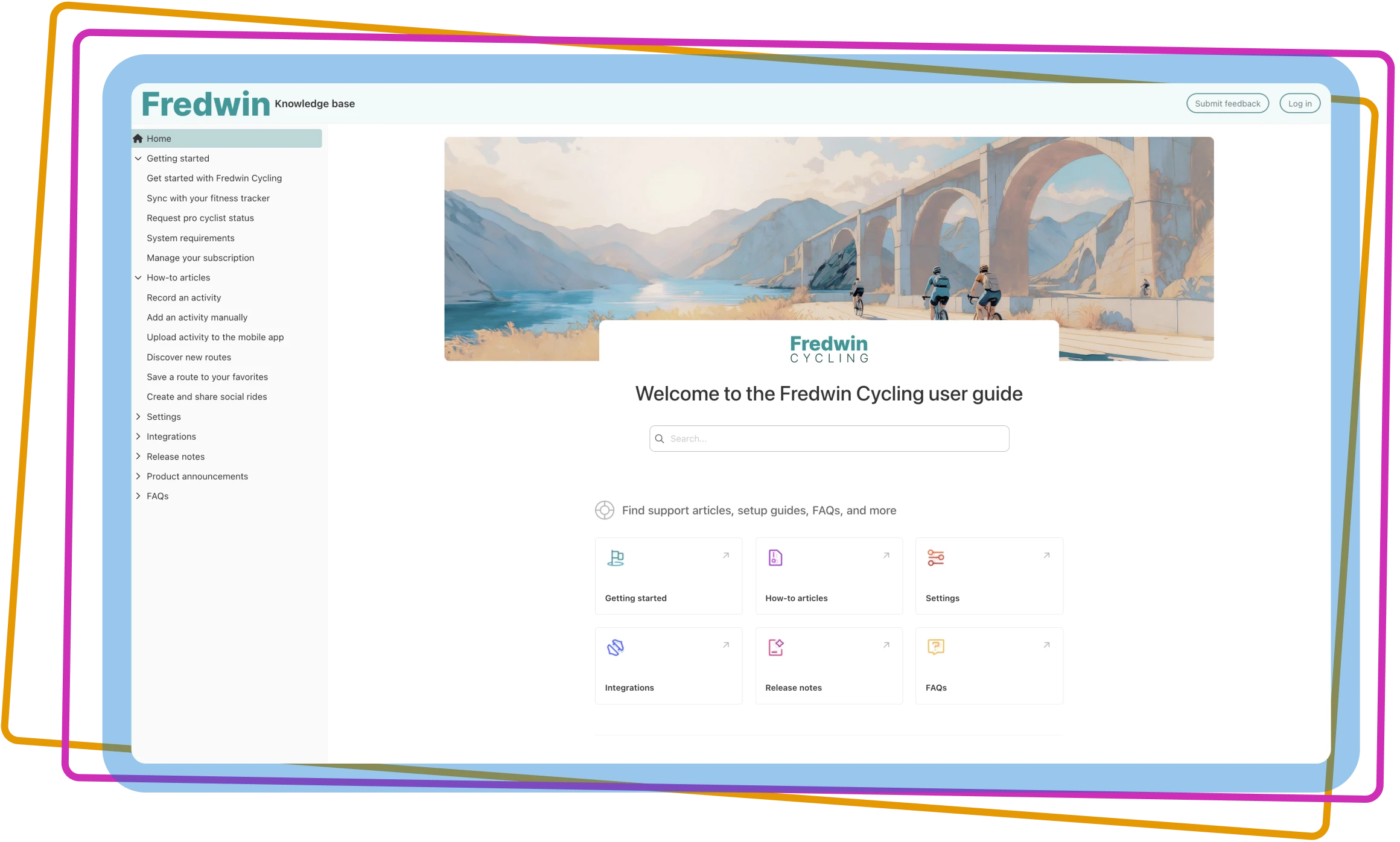

Create a self-serve knowledge base
Give customers and colleagues one place to access everything they need to successfully use your product
Give customers and colleagues one place to access everything they need to successfully use your product

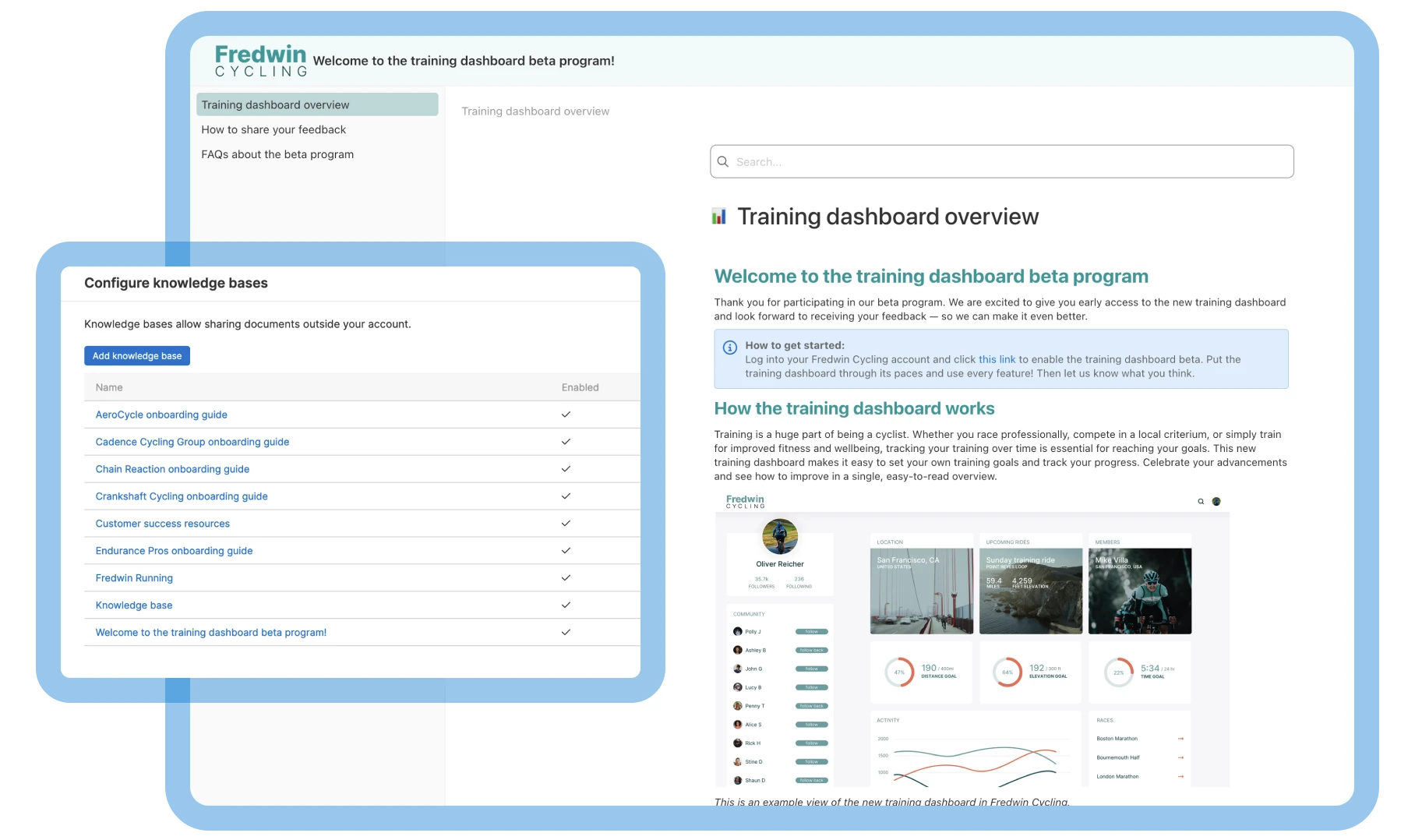
Create as many public or private knowledge bases as you need for different audiences. Customize each one, select your publishing workflow, and start adding documents. When you are done, simply share a direct link or embed your knowledge base right in your product.
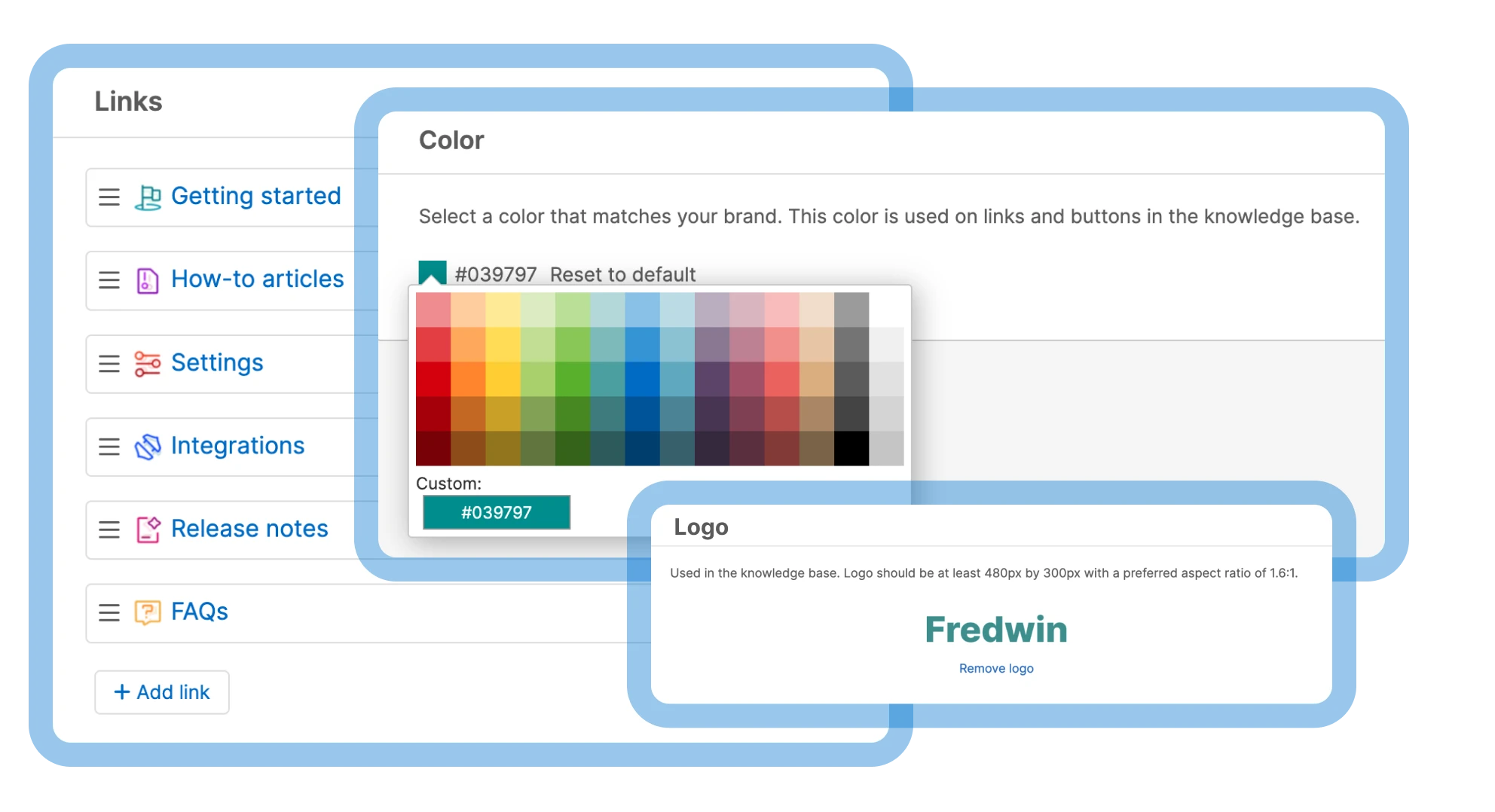
Make your knowledge base feel like a natural extension of your brand. Design a homepage that welcomes visitors with a message and image. Choose from advanced customization options like theme colors, fonts, and layouts. Then, refine your navigation so key resources are always easy to find.
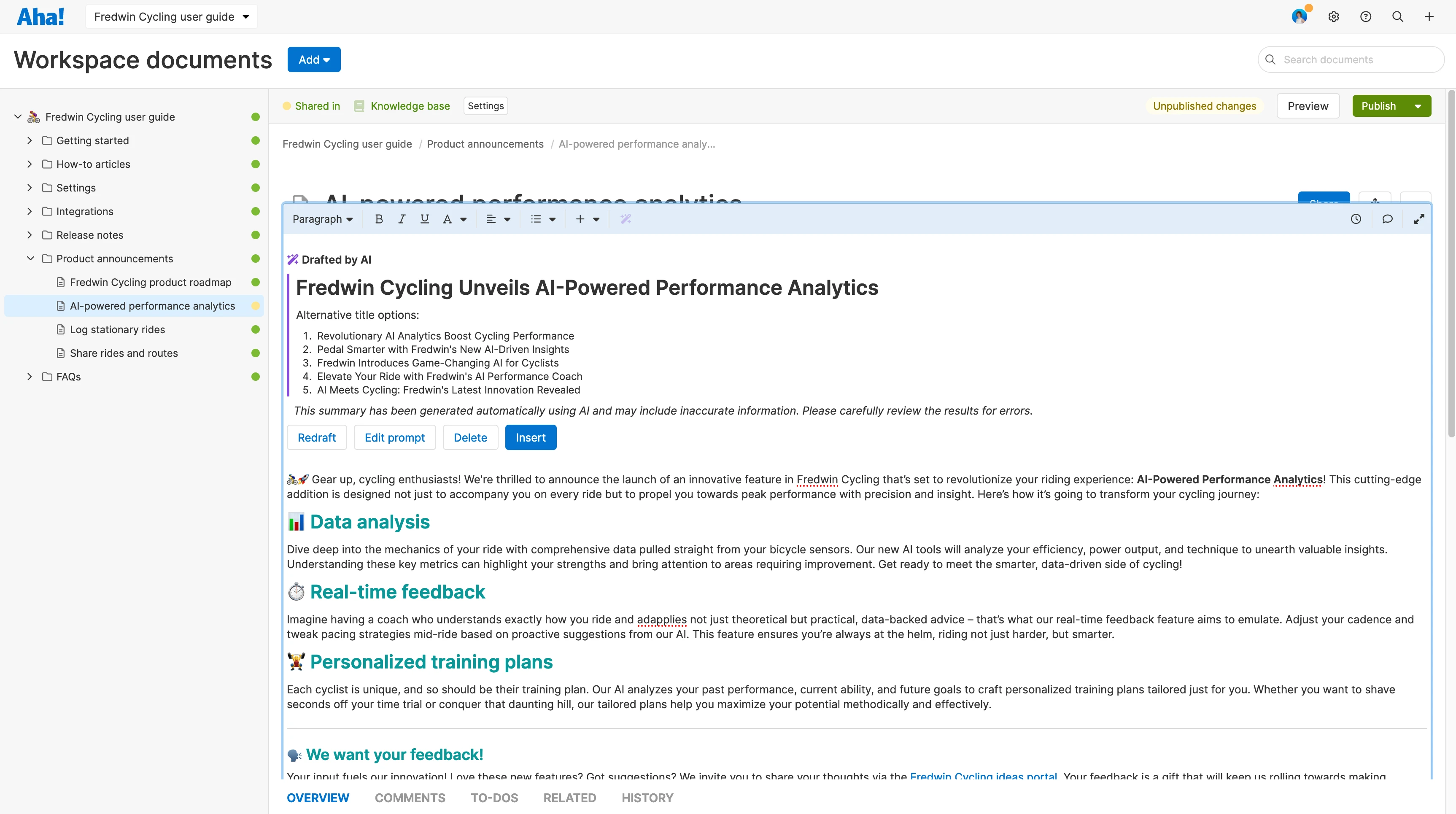
Provide a simple, yet powerful knowledge base experience. Streamlined documentation creation — supported by AI — makes it easy to publish new documents and update existing ones. This keeps your product information up to date.
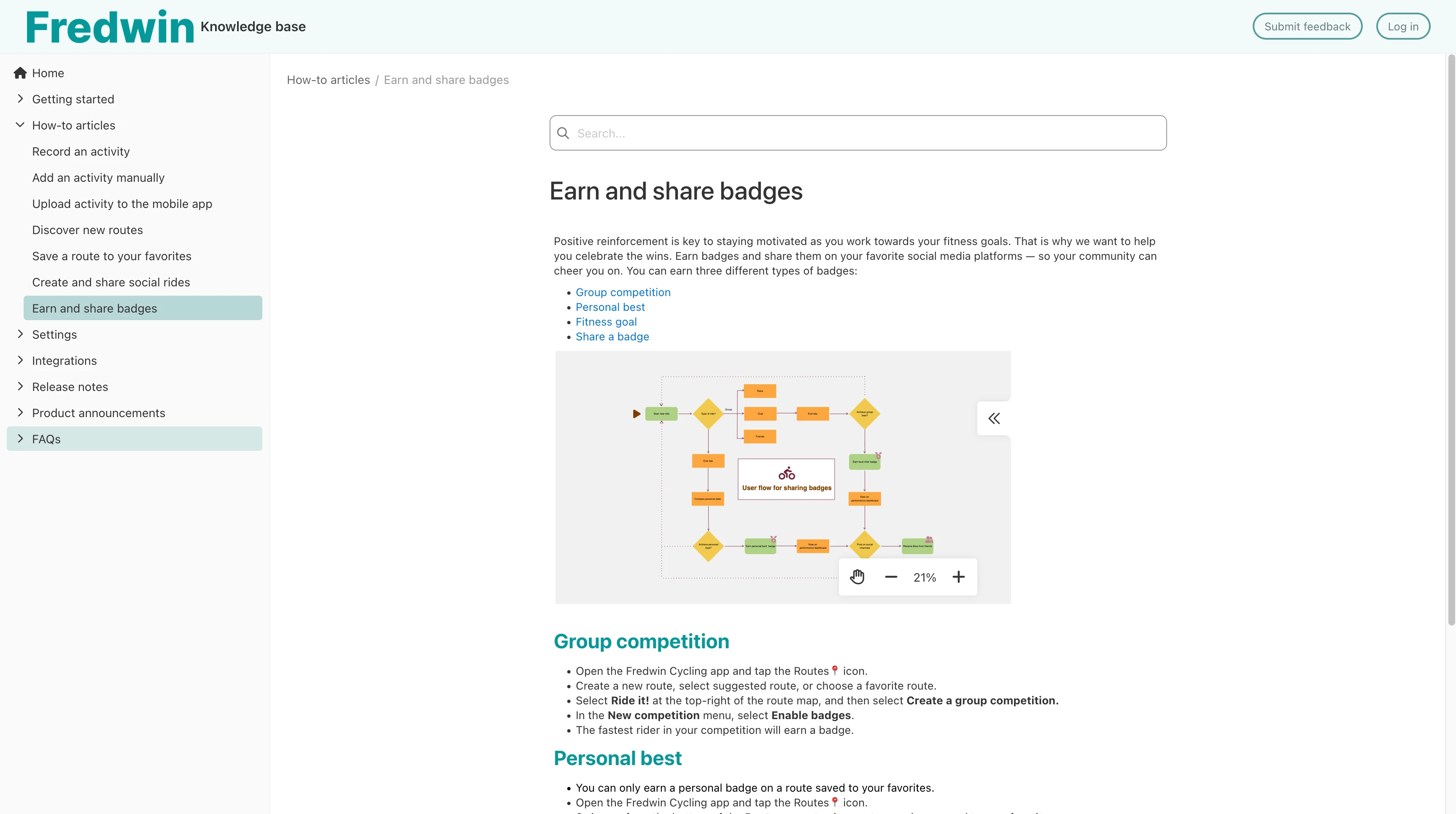
Give customer-facing teams such as sales and support the tools they need to drive product adoption. From providing process flows to deployment instructions and troubleshooting tips, include visual diagrams to help your colleagues to excel.
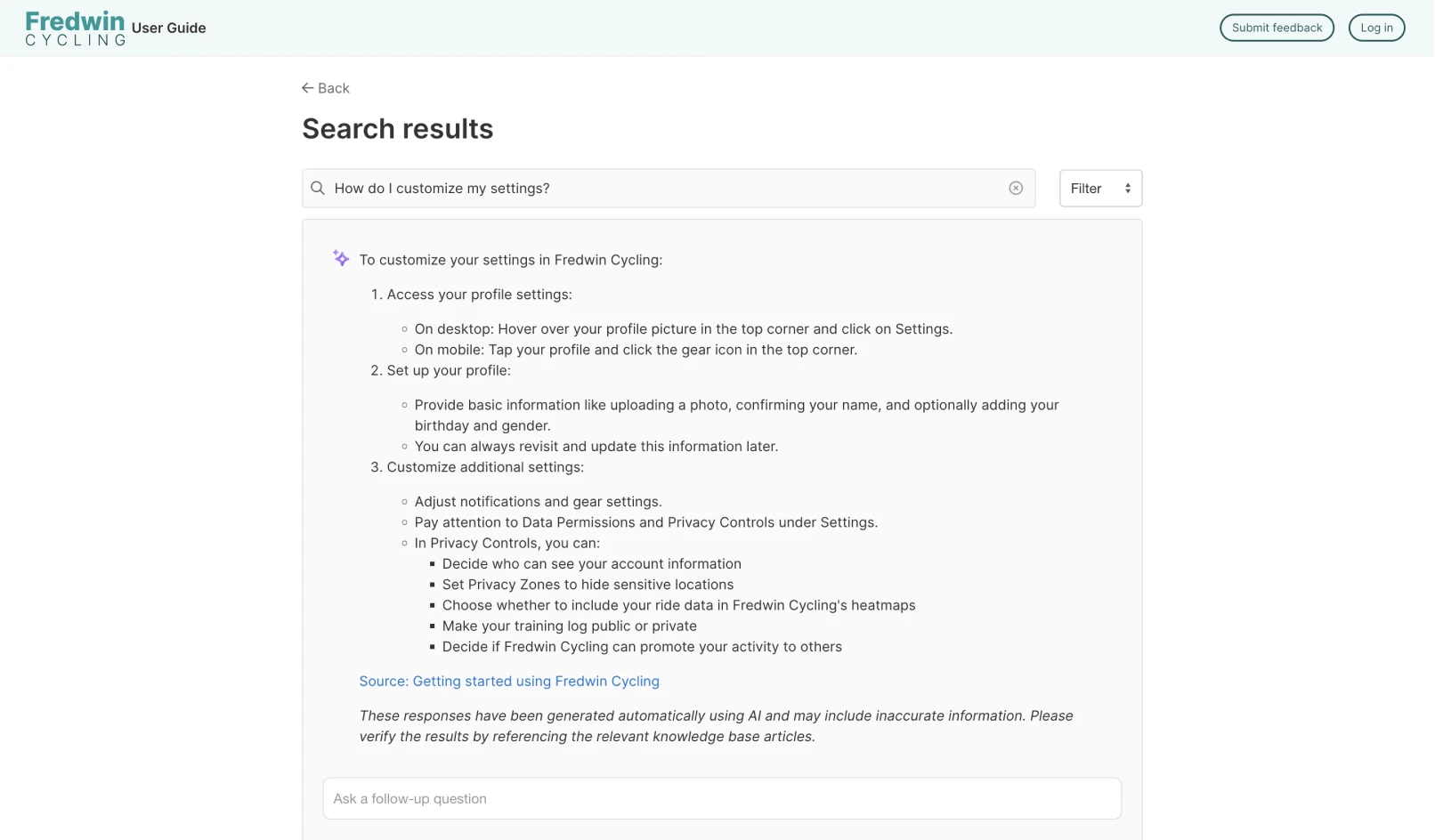
Help your customers and teammates find answers faster. The AI assistant makes it easy for knowledge base users to ask questions and get an instant response back. From there, they can ask follow-up questions or click into a relevant article to learn more.