Integrate with Microsoft Outlook
Sync your calendar to schedule interviews with ease
Simplify customer interview scheduling
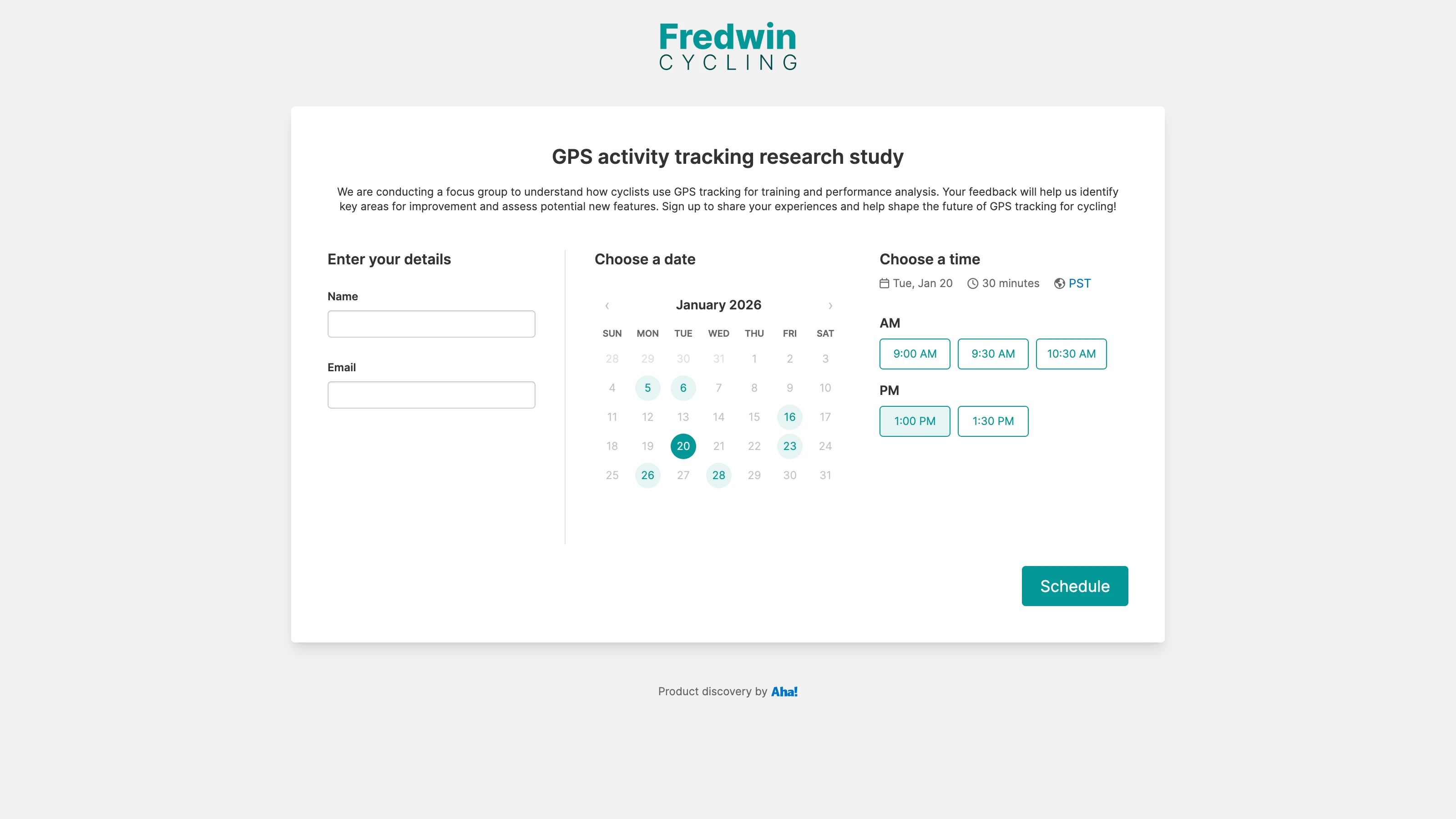
Coordinate interviews with research participants — without the hassle. Create a custom scheduling page for each study in Aha! Discovery. Then, connect your Microsoft Outlook calendar to manage your availability. Participants only see the times when you are free, avoiding scheduling conflicts. Once the participant picks a time, the new meeting is automatically added to your calendar. This way, you can spend more time gathering insights that drive product innovation.
Define your availability
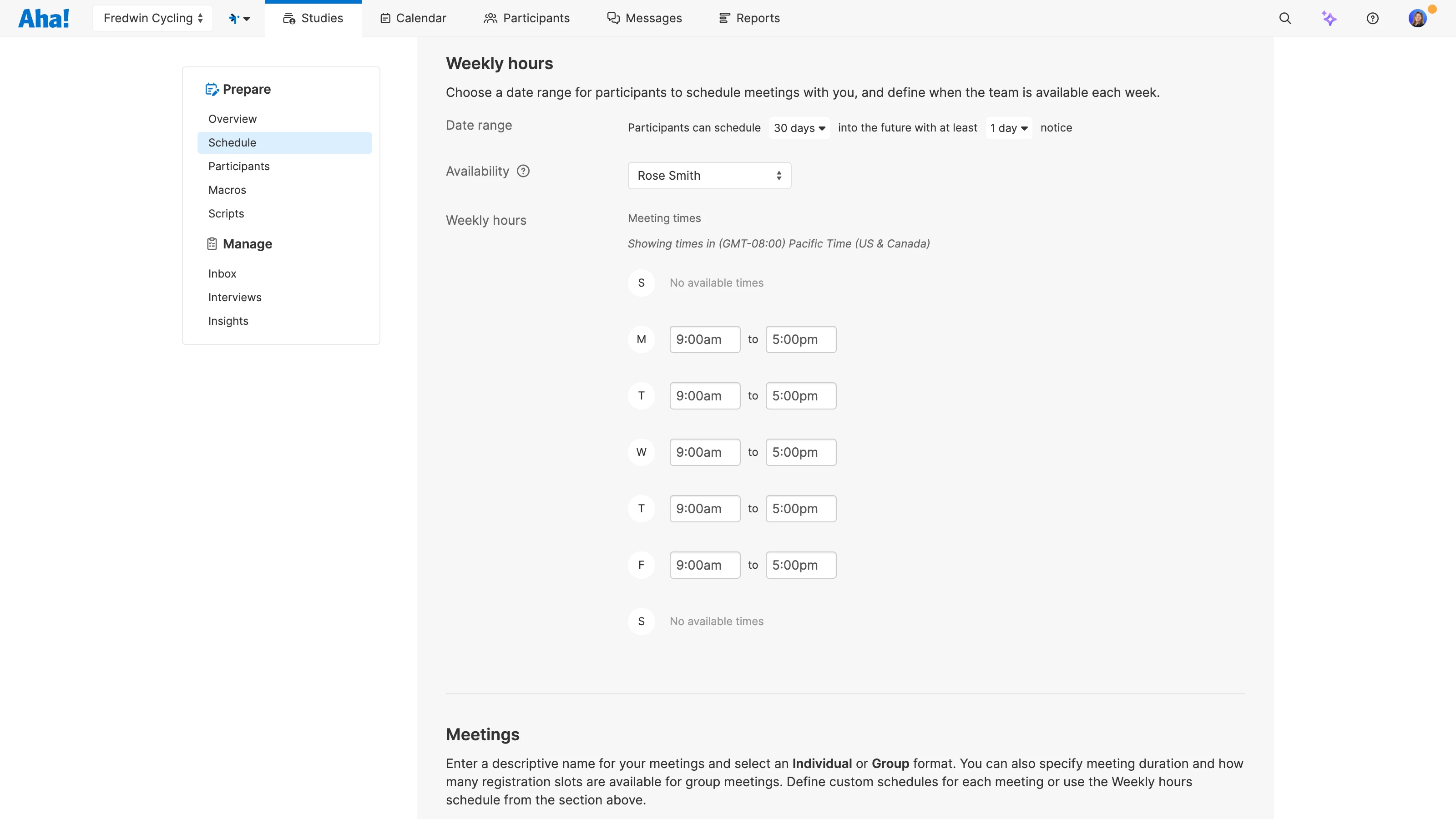
Decide when participants can book time with you. Set your working hours, control lead times, and choose how far in advance people can schedule. Then, select the calendars you want to sync, including additional team members involved in conducting the interviews. This keeps your scheduling page automatically up to date so visitors only see times when you or a teammate are free.
Schedule interviews automatically
Share your scheduling page with research participants so they can pick a time that works for them. When someone books a time, everyone involved gets a calendar invite with all of the interview details. And events stay in sync even when plans change — so everyone always sees the latest information.
Uncover actionable insights
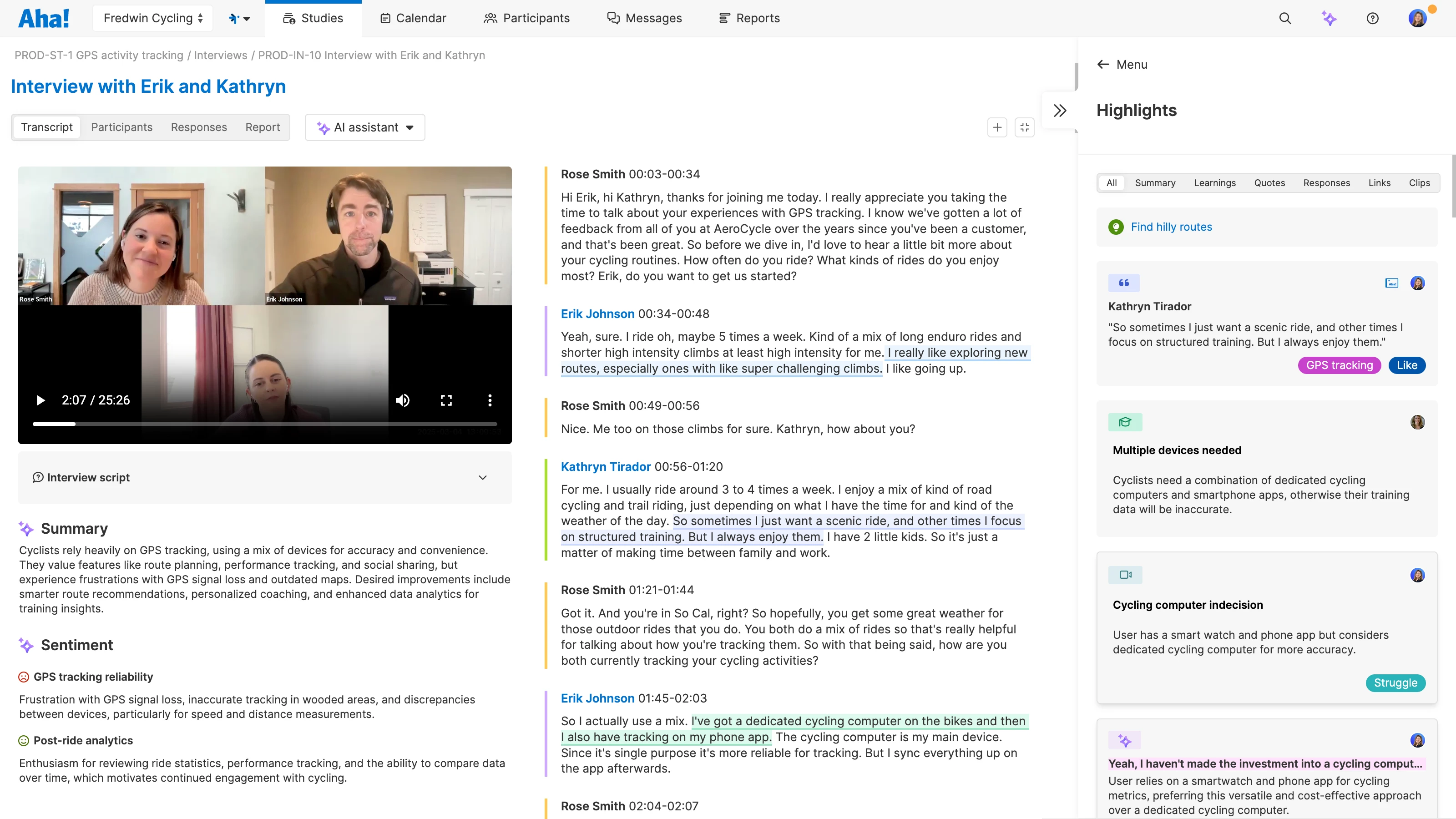
Share key moments from your conversations with the rest of the team. Analyze interview transcripts with a built-in AI assistant to quickly uncover key themes and important takeaways. Turn the most impactful moments into short video clips that highlight the customer's perspective. And connect those insights directly to your product plans in Aha! Roadmaps.
The Microsoft Outlook calendar integration is included in Aha! Discovery Advanced, whether you use it as a standalone solution or as an upgrade to any Aha! Roadmaps plan. If you are not already an Aha! customer, sign up for a 30-day trial to try the integration for free. You can also contact us to enable a trial of Aha! Discovery in your existing Aha! Roadmaps account.
Follow these steps in Microsoft Outlook to get started:
Go to the User menu Settings ⚙️ Personal Meeting services and link your Microsoft Outlook account to Aha! Discovery
Choose your access level:
Read and write: Check for busy times and automatically add new calendar events when interviews are booked
Read only: Check for busy times and send interview details by email instead of automatically adding events to your calendar
For setup details, review our Microsoft Outlook calendar integration guide. Or contact our Customer Success team at support@aha.io for help.
Microsoft Outlook is a widely used email and scheduling tool within the Microsoft 365 suite. It brings email, calendars, and tasks together across desktop, web, and mobile — making it a reliable choice for organizing meetings and managing time.
If you need help managing your Microsoft Outlook account or settings, visit the Microsoft Outlook help & learning page.