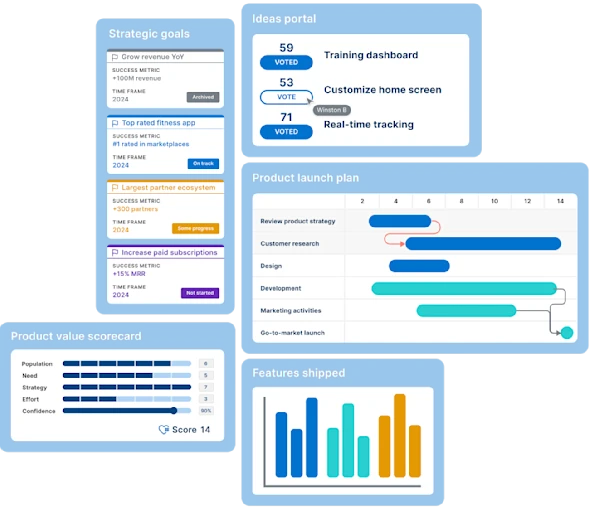
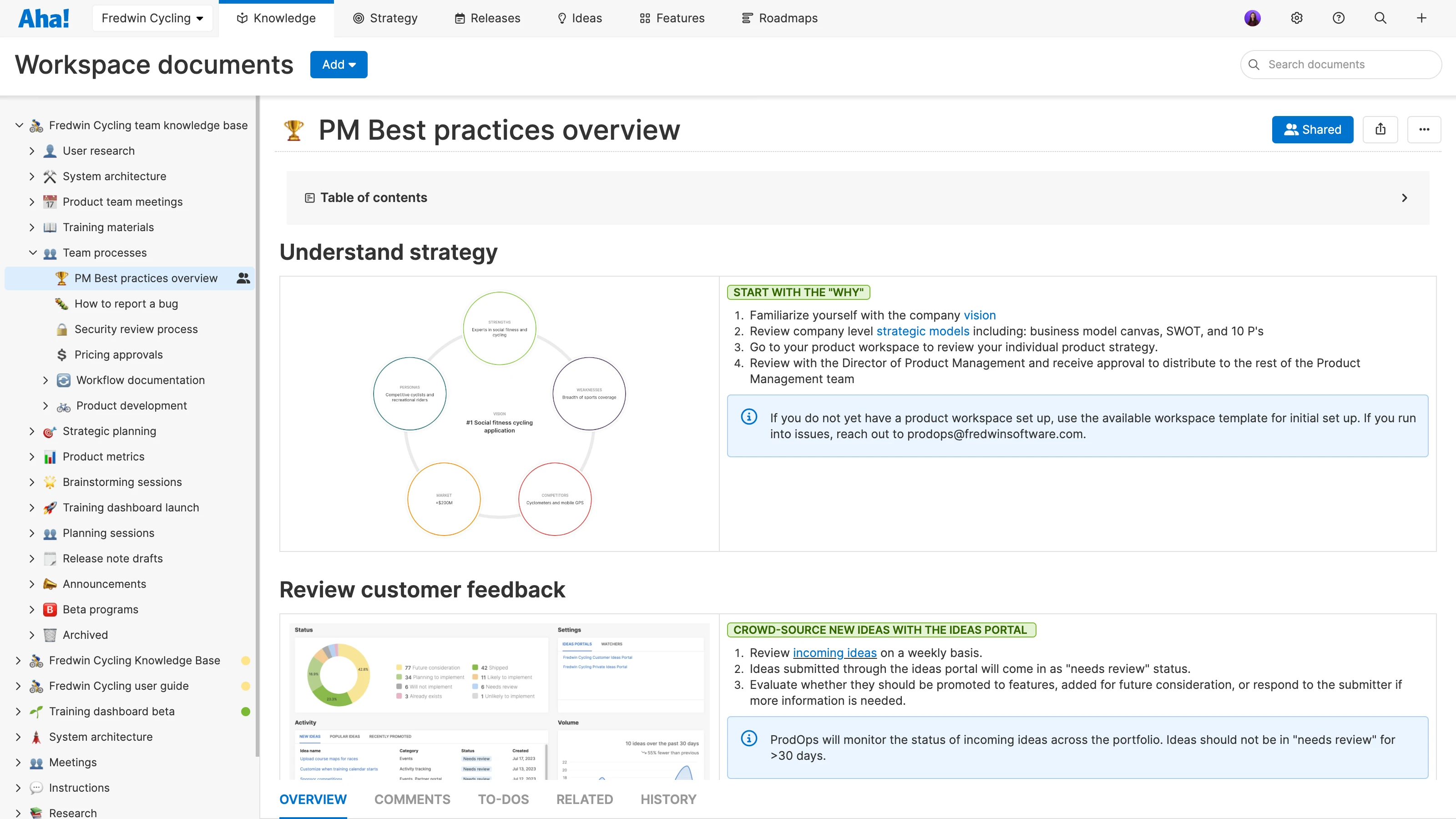
This is an example of an internal knowledge base in Aha! Knowledge. It features workspace documents and relevant documentation for colleagues.
Here is a look at some of the different types of information you share internally:
| Examples | Relevant stakeholders | When to share |
Internal resources | Foundational product docs (product strategy, high-level product requirements, etc.) Industry best practices Market research Team processes and decision-making frameworks Knowledge capture documents and meeting notes Training documents
| Make these documents accessible to the entire company. | Share them once, but make sure to update these documents as needed. |
Customer feedback | | The product, engineering, customer support, marketing, and sales teams should be able to read customer research to better inform their own work. | Share them once, but update customer research on a regular cadence (weekly or biweekly) and encourage folks to look at updates. Some teams create and share a summary or digest to highlight new customer ideas and learnings. |
Roadmap communication | | Ensure the engineering, customer support, and sales teams understand the changes and their implications. | Share them weekly or biweekly, but update them on an ongoing basis. |
Metrics | | Leadership, the product team, and the entire organization | Share progress toward goals regularly. For example, some companies discuss this at a monthly business review. |
Related:
Top
Knowledge sharing tips for product teams
Ready to establish or refine your knowledge sharing process? Start by clarifying what you are sharing, why, and with whom. For example, some information is relevant to the entire organization. This includes things such as company goals, product positioning, strategic roadmaps, organizational charts, and IT policies. Certain documents are meant for specific functional groups (think personas and customer feedback for marketing, sales, and support teams). And other information is really only applicable to specific teams, including meeting notes or team-dependent onboarding resources.
There is also the question of when to share that information. Some knowledge is static or evergreen — you document or share it once, and it continues to stay relevant for months or years. But most documents require that you monitor and maintain them on an ongoing basis. For example, you draft a product positioning document once, but then let the team know when it is changing and why.
What matters most is that you have a system in place for regularly reviewing and updating documents. Sharing those updates with relevant stakeholders is critical, too. Here are some quick tips for more effective knowledge sharing:
1. Pick a format: Should you communicate the information in a meeting, a message, a memo, or all of the above? To help you choose, consider the urgency and importance of what you are sharing.
2. Decide on frequency: How often does knowledge sharing need to happen? Decide on a regular cadence and share more often when necessary.
3. Define your audience: Who needs access to the information? Think about what is important for each team to know. This might mean that you create separate knowledge bases (or separate sections of a single knowledge base): one for the support team and one for the sales team, for instance.
4. Choose a tool: Software such as Aha! Knowledge allows you to centralize notes, files, images, whiteboards, and more into a single hub. Look for a tool that allows you to create knowledge bases, standardize your product documents with repeatable templates, collaborate with teammates, and integrate with your roadmapping tool. You will also need to manage permissions — this involves assigning owners and deciding who can view the info and who can edit it. For most documents, you will want anyone in the organization or team to be able to view documents, but only select team members to edit them.
5. Organize data: Consolidate resources and organize documents. Remember that too much information can be just as unhelpful as too little information. Make your folders and documents consistent. Set naming conventions for documents, and use templates to ensure standardization. Encourage people to follow those standards when they create new documents or update existing ones.
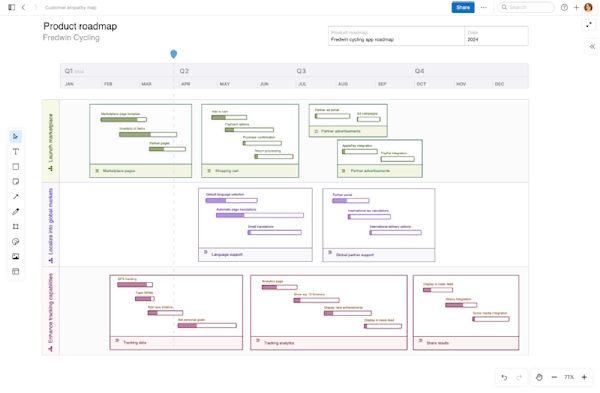
6. Get visual: If you use knowledge base software that comes with whiteboarding capabilities, try visual diagrams to quickly communicate complex or technical topics. Then, organize flowcharts, diagrams, and wireframes into folders in the knowledge base. This way, teammates across product, engineering, support, and marketing can find these visuals when needed.
Related:
FAQs about knowledge sharing
What is the difference between knowledge sharing and knowledge management?
Knowledge sharing refers to the mutual exchange of relevant information among people, teams, and customers. Knowledge management is a broader term. It describes the overall process of capturing, organizing, and then sharing information. Product teams need a strong knowledge management system in place in order to store product documentation and communicate vital information to colleagues and customers alike.
How does knowledge base software work?
Knowledge base software offers a single repository where organizations and teams can organize their documents in a consistent way. Product teams use knowledge base software to create product knowledge bases, streamline how they collaborate on documents and visuals, and develop a playbook for how they get work done. (Customer success teams and technical writers can also benefit from using knowledge base software.) And if your knowledge base software integrates with your roadmapping tool, you can easily go from planning new functionality to documenting how it works.
What should I look for in a knowledge sharing tool?
Look for a knowledge sharing tool that is designed specifically for product teams. You want the ability to create as many knowledge bases (for both internal and external audiences) as you need, templates to standardize your product documents, and built-in collaborative tools (such as comments, to-dos, and sharing). Aha! Knowledge offers all of the above — plus an AI assistant to boost efficiency and integration with Aha! Roadmaps, so you can seamlessly move from defining new features to capturing how they work.