October 21, 2026
Reuse existing UI layouts in prototypes
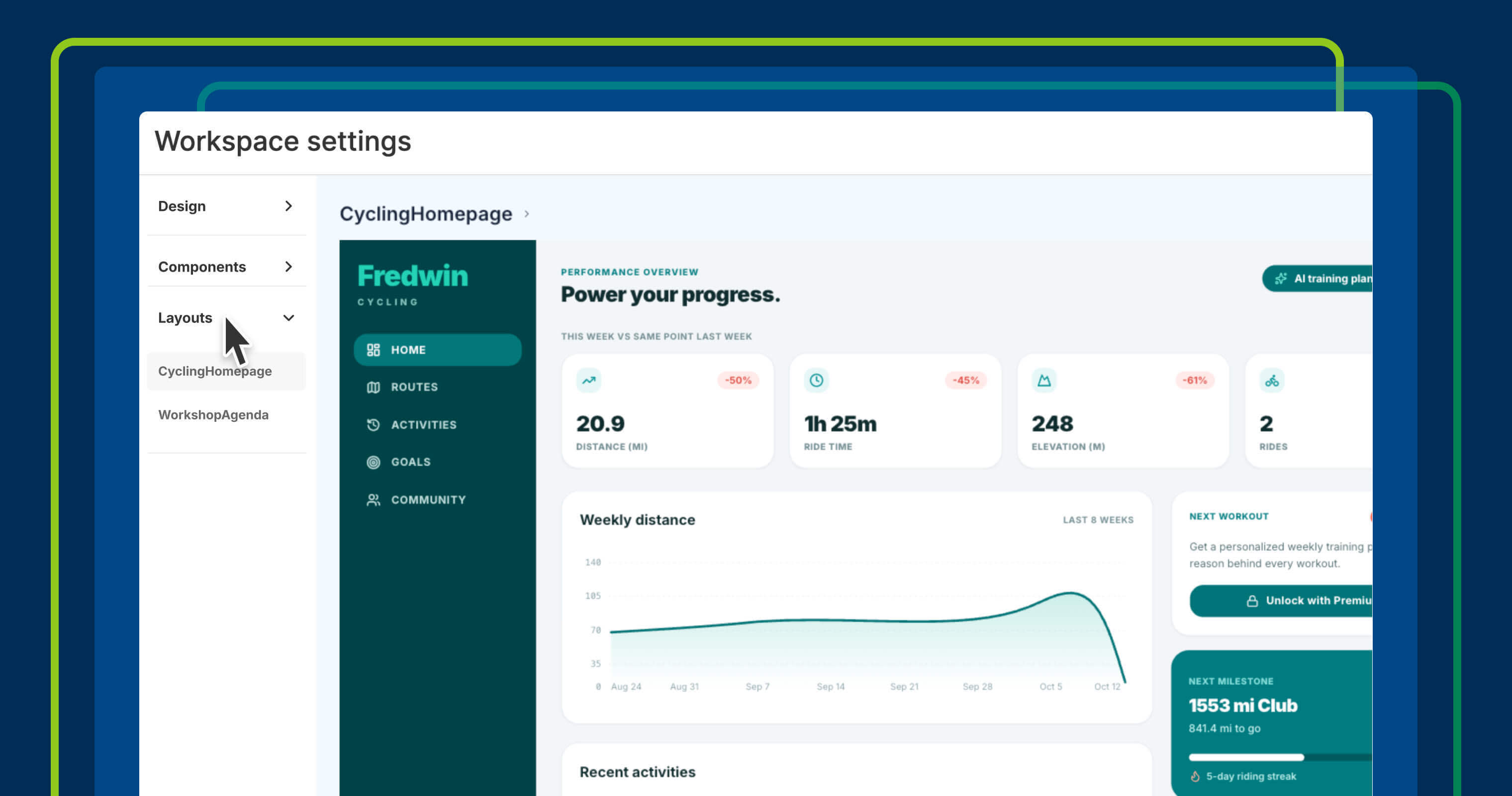
Build realistic prototypes faster by saving and reusing common page layouts in your design systems across Aha! software. Keep interfaces consistent and focus on new functionality.
Ignite your next big idea. Check out the latest updates to Aha! Whiteboards and see how to define user flows, create mockups, and collaborate on roadmaps — all in one visual space.
Build realistic prototypes faster by saving and reusing common page layouts in your design systems across Aha! software. Keep interfaces consistent and focus on new functionality.
Aha! software updates from Q3 2026 help you bring customer insights into product decisions, automate repeatable tasks, and compare AI-generated prototypes.
Introducing the Aha! desktop app for Mac and Windows. It is a focused space to work with Elle (the AI assistant), review to-dos, and update product records.
Explore multiple prototype variations with Elle, the AI assistant in Aha! software. Compare approaches on a whiteboard to come up with the best experience before…
Schedule recurring tasks for Elle, the AI assistant in Aha! software. Describe the work once, set a cadence, and Elle runs it on your behalf.
Connect approved external tools to Elle so product teams can work with GitHub, Linear, Jira, and more directly in Aha! software.
Turn whiteboard concepts into clickable prototypes with Elle — so you can test ideas, gather feedback, and refine user experiences faster in Aha! software.
Elle, the AI assistant in Aha! software, now has a dedicated screen in My work. Start any task on a blank slate and return to recent chats anytime.
Turn your team's expertise into AI skills in Aha! software. Elle applies your instructions automatically — so every task follows your standards.
Use Elle to turn records into whiteboards. This helps you quickly map user flows, review experiences, and refine ideas before building begins.
See more collections
View more