Add custom panels to the Ideas overview dashboard in Aha! Ideas.
Customize the Ideas overview page to match how you work


How do you reach "inbox zero" on customer ideas? If you are like us, you start your day reviewing new feedback on the Ideas overview page. Then, you look at the reports you created that provide specific views of your data. You have different ways to review the feedback — but they are in various places.
You can now fully customize the Ideas overview page with Aha! Ideas to bring all of your favorite views together.
Manage product ideas your way
The Ideas overview page brings all your customer feedback into one place. You can see new ideas, top themes, and key trends in a single view. Until today, everyone saw the same default layout. And many of you ended up creating custom reports and dashboards to get the tailored views you need.
Now, you can organize the Ideas overview page just like you would any dashboard in Aha! software. Add your own reports, rearrange panels, and fine-tune filters. Then, save your layout and share it with teammates so everyone can review ideas the same way.
Here is what you can do:
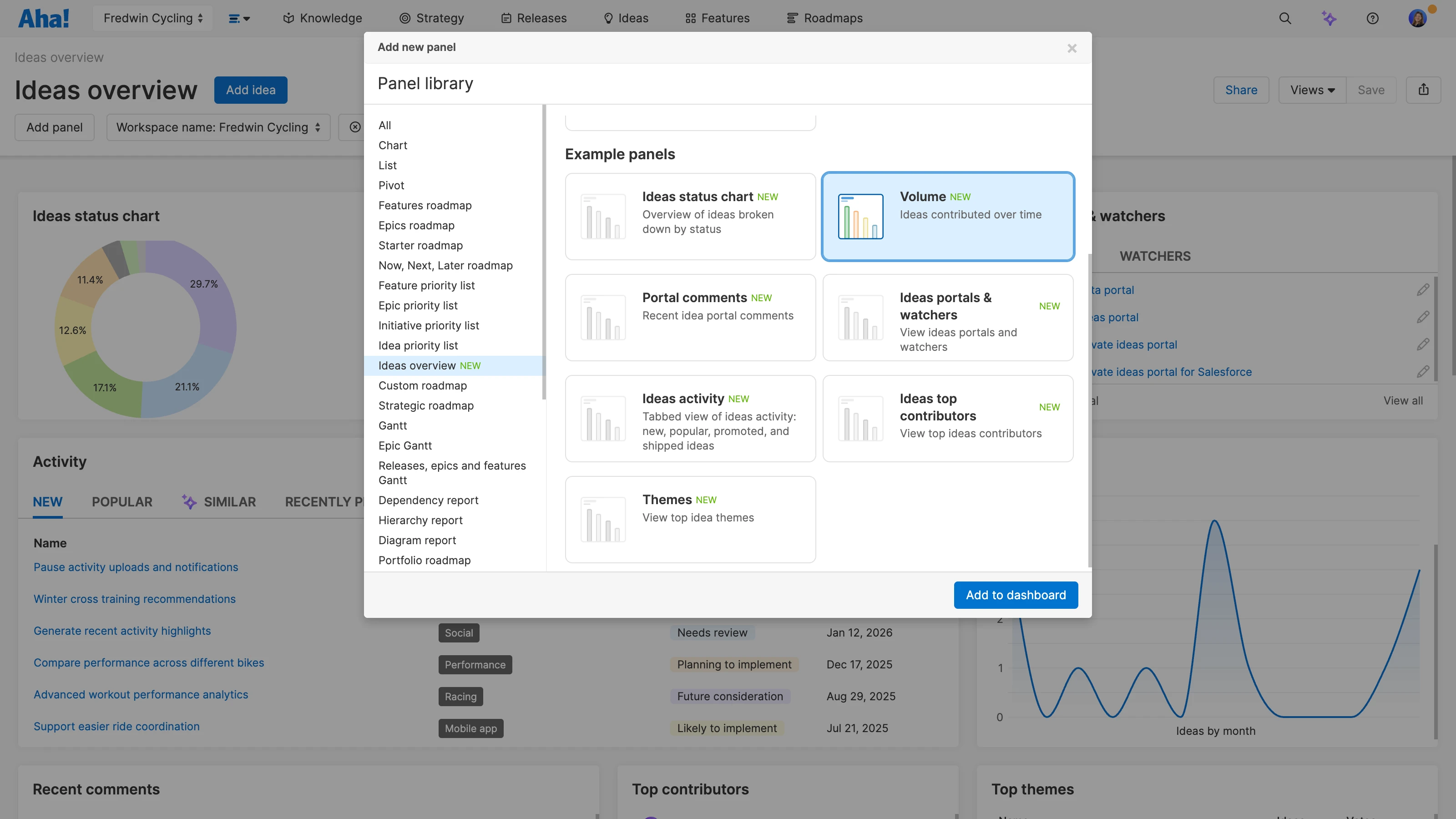
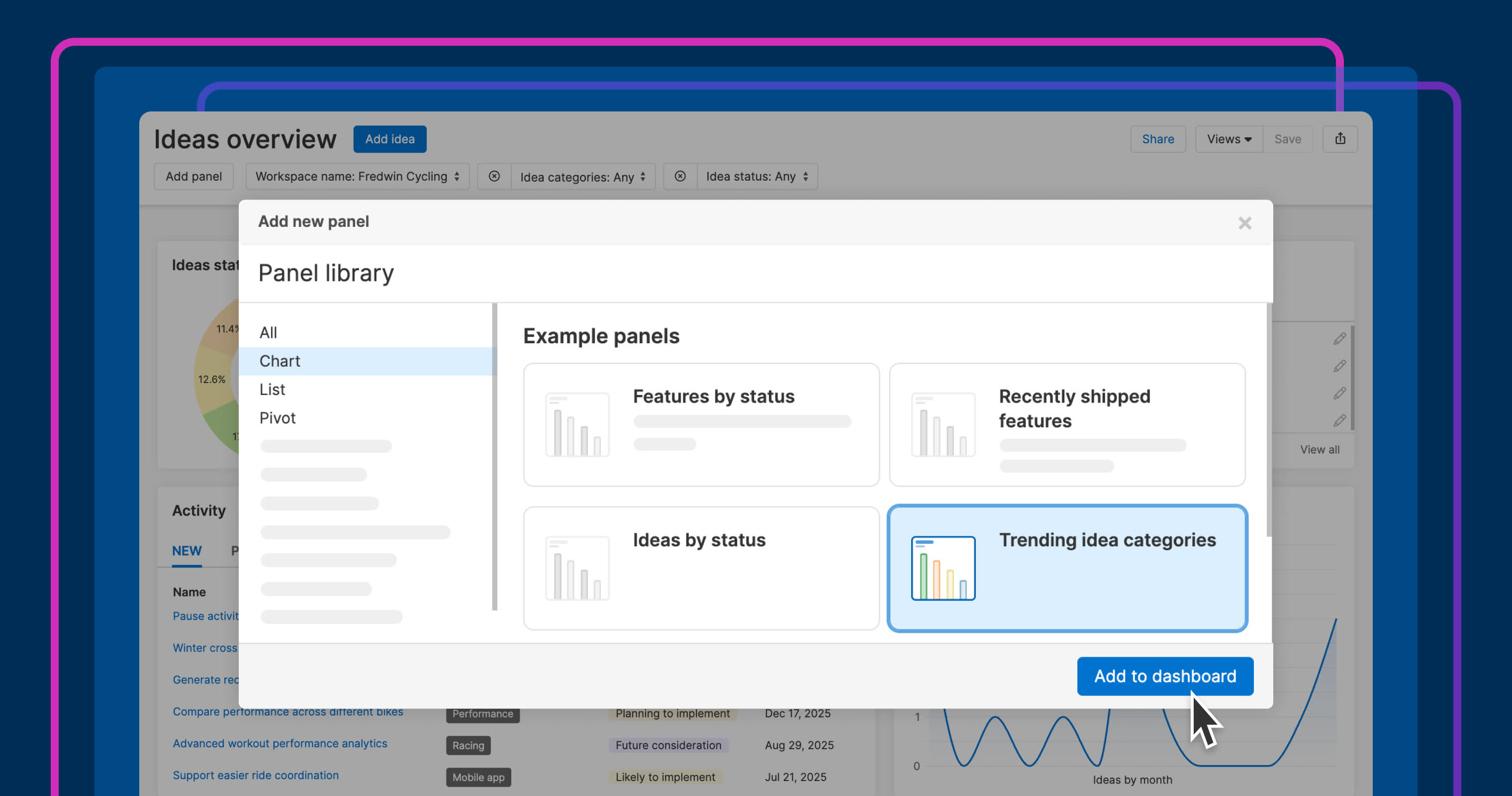
Add new panels: Include your most-used reports (like time to review, trending categories, or top ideas by organization).
Focus your view: Remove default panels and rearrange your layout for faster scanning.
Filter insights: Apply filters to panels to zero in on the most relevant requests.
Share your dashboard: Save and share your custom view to align the team.
This makes it easier for you and your team to quickly surface the feedback that needs your attention — no extra digging required.
The new Ideas overview dashboard functionality is available for all Aha! Roadmaps users or as part of the Aha! Ideas Advanced standalone plan.
Here is how to use it:
How to get started
Go to Ideas Overview in your workspace.
Select Add panel to include an existing or example report, text panel, or whiteboard.
Drag panels to rearrange the layout and remove any that are not needed.
Click Save view to preserve your customized Ideas overview.
Share the link so teammates can access the same view.
📚 For more details, read the full support article.
A tailored Ideas overview dashboard helps you stay on top of valuable customer feedback. You can understand what customers need without flipping between views. To make sure your feedback pipeline stays strong, watch our recent live tutorial on how to automatically detect and log product ideas from Zendesk, HubSpot, and more.
Start a free trial of Aha! Ideas
Aha! Ideas is the best way to crowdsource feedback, engage your community, and prioritize what drives revenue. It also includes everything in Aha! Whiteboards Essentials and Aha! Knowledge Essentials to provide a comprehensive idea management solution. Sign up for a free 30-day trial of Aha! Roadmaps if you are interested in bringing together idea management and detailed planning. Or join a live demo to see why more than 1 million product builders trust our software to build lovable products and be happy doing it.