AI app builders for product managers: How to go from idea to scalable software
Learn what to look for in a tool and how to use AI to build your own application
Last updated: August 2026
AI app builders are tools that make it possible for product managers to generate full applications without coding skills or deep technical expertise. Explore what sets the best tools apart and how to create your own app with AI for secure business use.
You can bring almost any idea to life with an AI app builder — generating a working version of it in minutes. For product development teams, this capability is transformative. Product managers can now build interactive prototypes and full applications from a text prompt. Exciting possibilities, right?
This guide breaks down how product managers should approach these tools and what features to look for. It also shares guidance for getting started on your own AI-powered application in Aha! Builder.
Read on or jump ahead here:
Is an AI app builder the same thing as a no-code app builder?
How is building with AI different from traditional software development?
What is an AI app builder?
An AI app builder is a tool that uses generative AI to quickly turn text-based prompts into a working application — including the interface, data model, and logic. This makes it possible for nontechnical teammates to build prototypes and functional software without writing code. Because the tool handles much of the technical setup, you can focus on shaping how the output should work to meet business and user needs.
Examples of AI app builders include Aha! Builder, Lovable, Replit, and Base44. Some of these tools are geared toward general use (business or personal), while others (like Aha! Builder) are designed expressly for product development teams and enterprise needs.
Is an AI app builder the same thing as a no-code app builder?
Before AI could generate software from text input, no-code and low-code app builders let you assemble applications manually using drag-and-drop elements and configuration settings. AI app builders are the next generation of those tools; people often apply the same "no-code" terms to them because they do not require coding either.
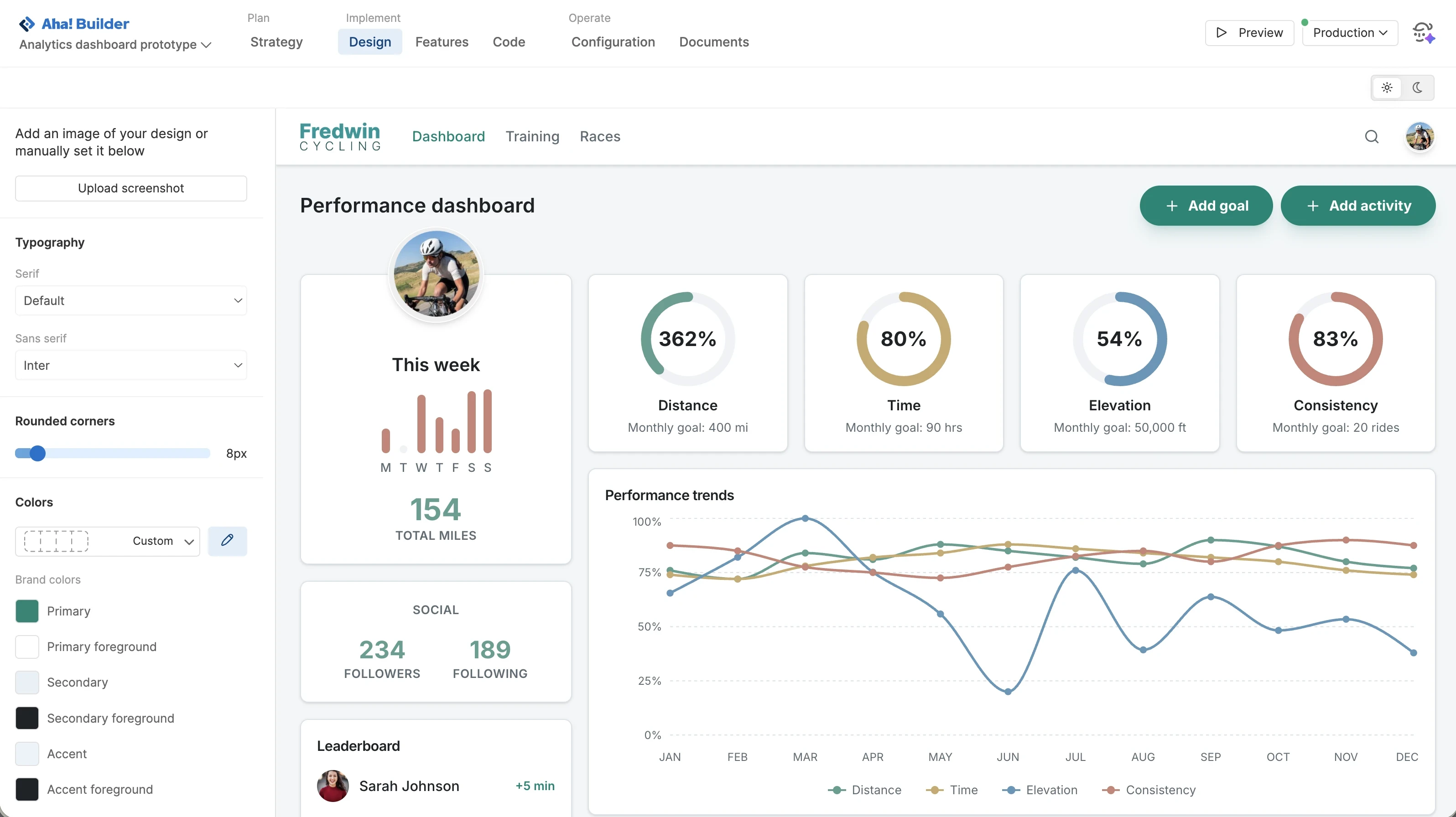
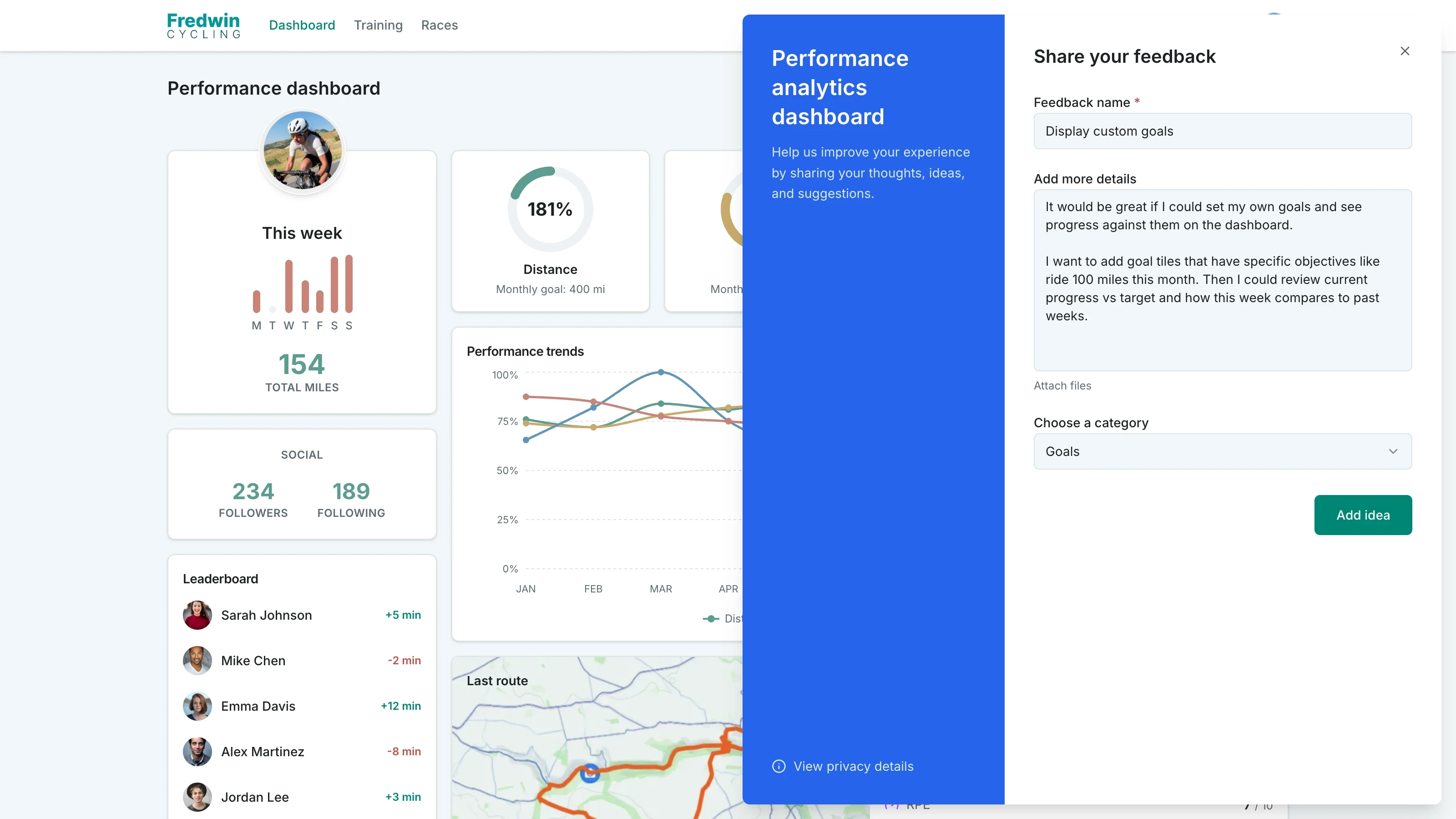
Aha! Builder is an AI app builder for product managers. This is an example of a performance dashboard app.
How product managers use AI app builders
A handoff to UX design and engineering used to be the expected next step when an idea was ready to build. Now, product managers can use AI to create a range of outputs on your own — including prototypes, proofs of concept, and full applications. These outputs can serve internal or external needs.
For example, AI app-building helps product managers validate new product concepts quickly with customers. You no longer have to wait for another team to build a demo-ready version to share — you can generate one yourself and test it live in conversations to better shape the product direction.
You can also build useful internal applications that solve business problems, like a custom dashboard or automated workflow. This is especially helpful for addressing team needs that might otherwise stay stuck in the engineering backlog.
Related:
How is building with AI different from traditional software development?
The traditional product development cycle moves through 10 stages, from strategy to delivery, with close cross-functional collaboration throughout. Building with AI can streamline that process — helping product teams turn ideas into working outputs faster. Instead of handing requirements and mockups to UX design and engineering to build, product managers can use prompts to create robust prototypes and business-ready applications yourself. This makes it easier to gather feedback early and refine the experience using an interactive version rather than a static screen. UX designers and engineers can use AI to accelerate their own work, too.
However, this shift places more responsibility on product managers during the build stage than in traditional software development. Product managers have always started with a clear understanding of the user need and the value you want to deliver. But now, the difference is that you can build much faster yourself — and when you can build almost anything, it is tempting to try and build everything. If you are building with AI, it is important to pause and decide why you are building before committing time and resources, so you can be sure to deliver a solution people need and will use.
For new customer products or major enhancements, it is still best to follow the traditional product development process. Product managers can use AI app builders to create prototypes for ideation, alignment, and testing — but they are not a replacement for cross-functional collaboration in these instances.
How do you build an app with AI?
To build an app with AI, you first need to define the problem it will solve and who it is for. Then, use prompts to create a working version, refine the experience with user feedback, review security and permissions, and launch.
No-code does not mean no effort. If you plan to launch an AI application for business use, start with a clear goal and a plan before you build anything.
With that in mind, here is a closer look at how to build an app with AI:
Strategize: Clarify the problem you are solving, the users you are serving, and what success looks like. A solid strategy gives AI the right foundation to build something useful.
Prompt: Describe what you want to build, who it is for, and how it should work. Include the data the application will need and the key workflows it should support. Strong AI prompts are specific about the intended outcome for the user — not just functionality.
Design: Refine the experience so it looks and feels like it belongs in your product portfolio. Apply your brand, layout, and design standards to make the app intuitive and consistent.
Get feedback and refine: Put the app in front of end users early. Use their feedback to improve the app experience and confirm that you are solving the right problem before you invest further.
Review and test: Check user permissions, security, and privacy before you move toward launch. Even if your AI app builder includes built-in reviews, it is still a good idea to ask an engineering or IT teammate to check over your application, too.
Launch! Deploy your app to production. Monitor usage and feedback. Treat it like any other product you manage — remember that you are responsible for maintenance and improvements over time as user needs evolve.
This is a simplified workflow to get started with an AI app builder on your own. If you adopt these tools more broadly across your product team or organization, you will likely need a more formal workflow for handling requests, development, and deployment — with dedicated implementation teams and reviewers. Read this guide to learn more.
What should product managers look for in an AI app builder?
Many AI app builders prioritize speed, ease of use, and sleek design. That is great if your main goal is to create polished interfaces and prototypes. But if you want to build real software applications for users (and not just designs and demos), you need more sophisticated capabilities. What you generate also needs to be secure, scalable, and maintainable.
This narrows the list of AI app builders suited for business use. Aha! Builder is one example of a tool equipped for this kind of work. It helps you generate AI apps quickly while meeting enterprise standards for quality and governance.
Below is a look at what Aha! Builder includes, plus what any other tool you consider should offer:
Prompt-based app creation: Use AI to generate a functional application from plain-language prompts, with screens, logic, and workflows that match what you described. The best tools also let you bring in context such as strategic objectives, customer insights, and product data to shape the output.
Design system support: Apply your brand's colors, typography, and UI patterns so every AI app looks and feels consistent.
User feedback management: Capture feedback directly in your app, then review and prioritize enhancements for users.
Configuration: Set up the application infrastructure, database, user access, integrations, and hosting needed to manage your application.
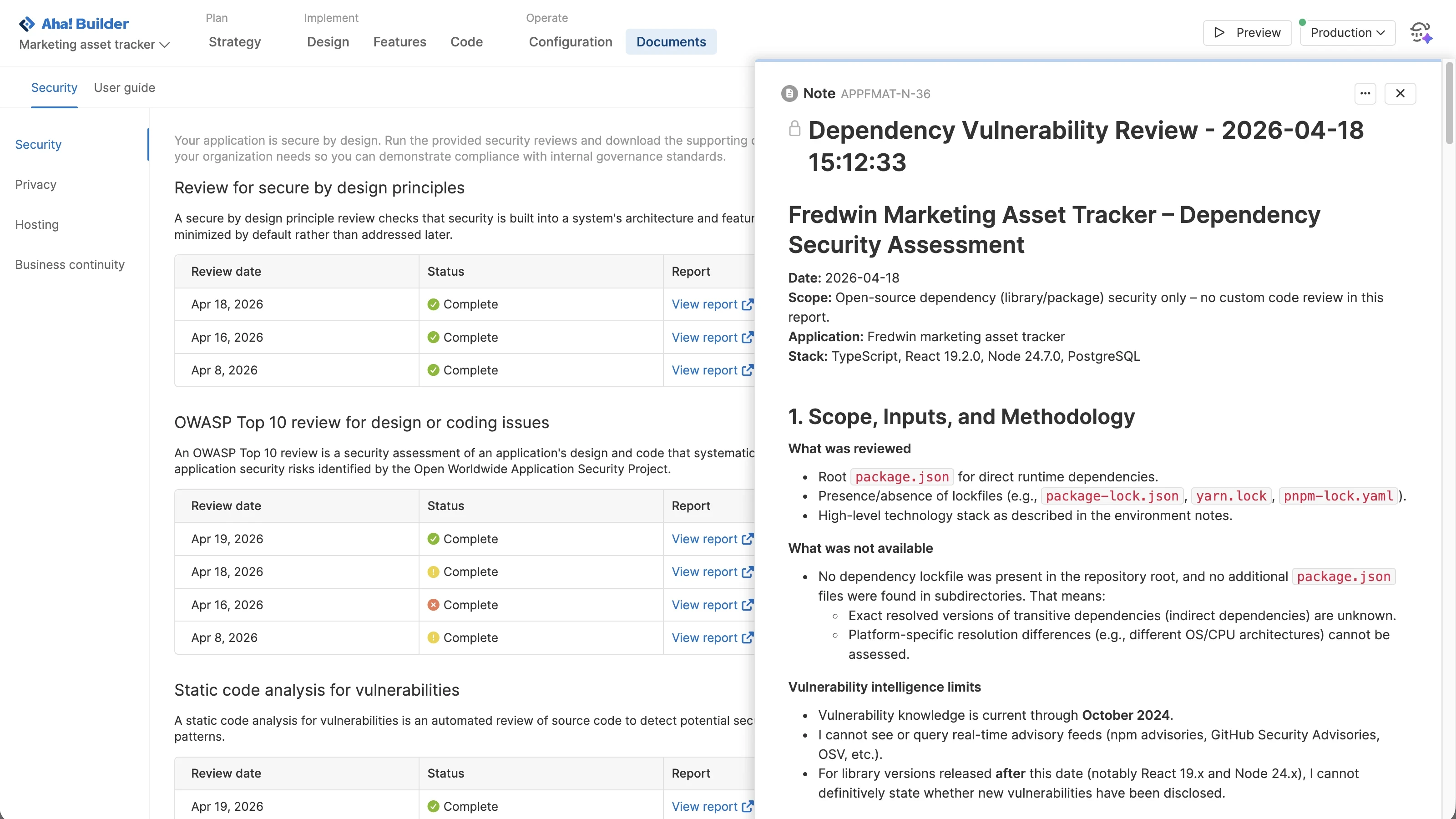
Governance: Run security and privacy reviews, generate compliance reports, and use approval workflows to support safe deployment.
Production management: Deploy applications to production, monitor performance, and scale reliably over time.
Security: Protect data, control access, and host AI apps on secure infrastructure.
(Bonus) Documentation: Generate user guides and other support content so people can start using the app quickly.
(Bonus) Product management software integration: Connect AI app-building to roadmap plans so work stays aligned within the same system.