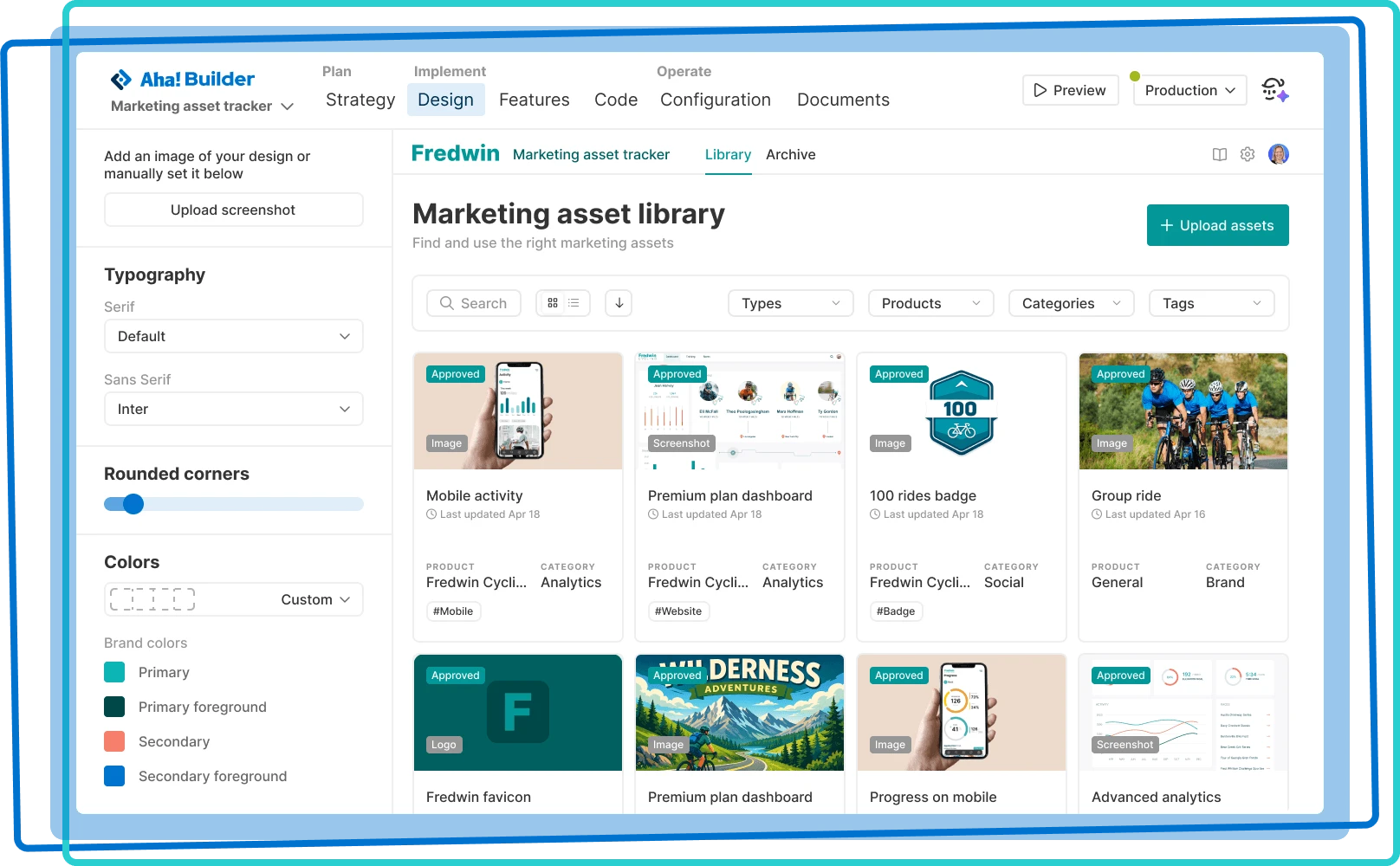

Bring your design to life
Select a preset theme or apply your own design system to create beautiful applications that reflect your brand
Select a preset theme or apply your own design system to create beautiful applications that reflect your brand

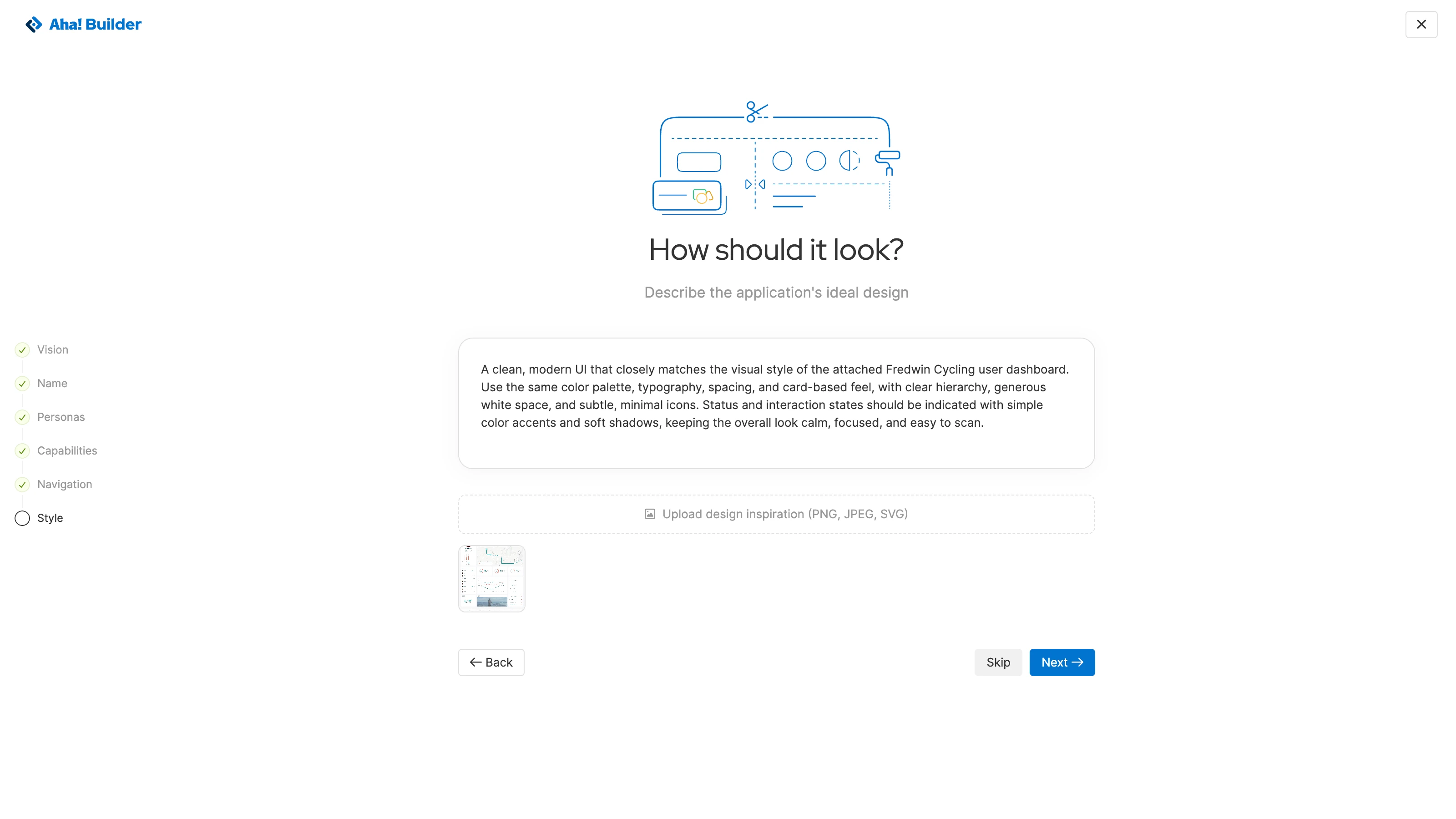
Create on-brand prototypes and business applications that look like your existing software. Describe what you envision for the design and attach existing style guides or screenshots for reference. This gives Elle (the AI assistant) clear direction to create a compelling first version. (No generic-looking AI designs here.)
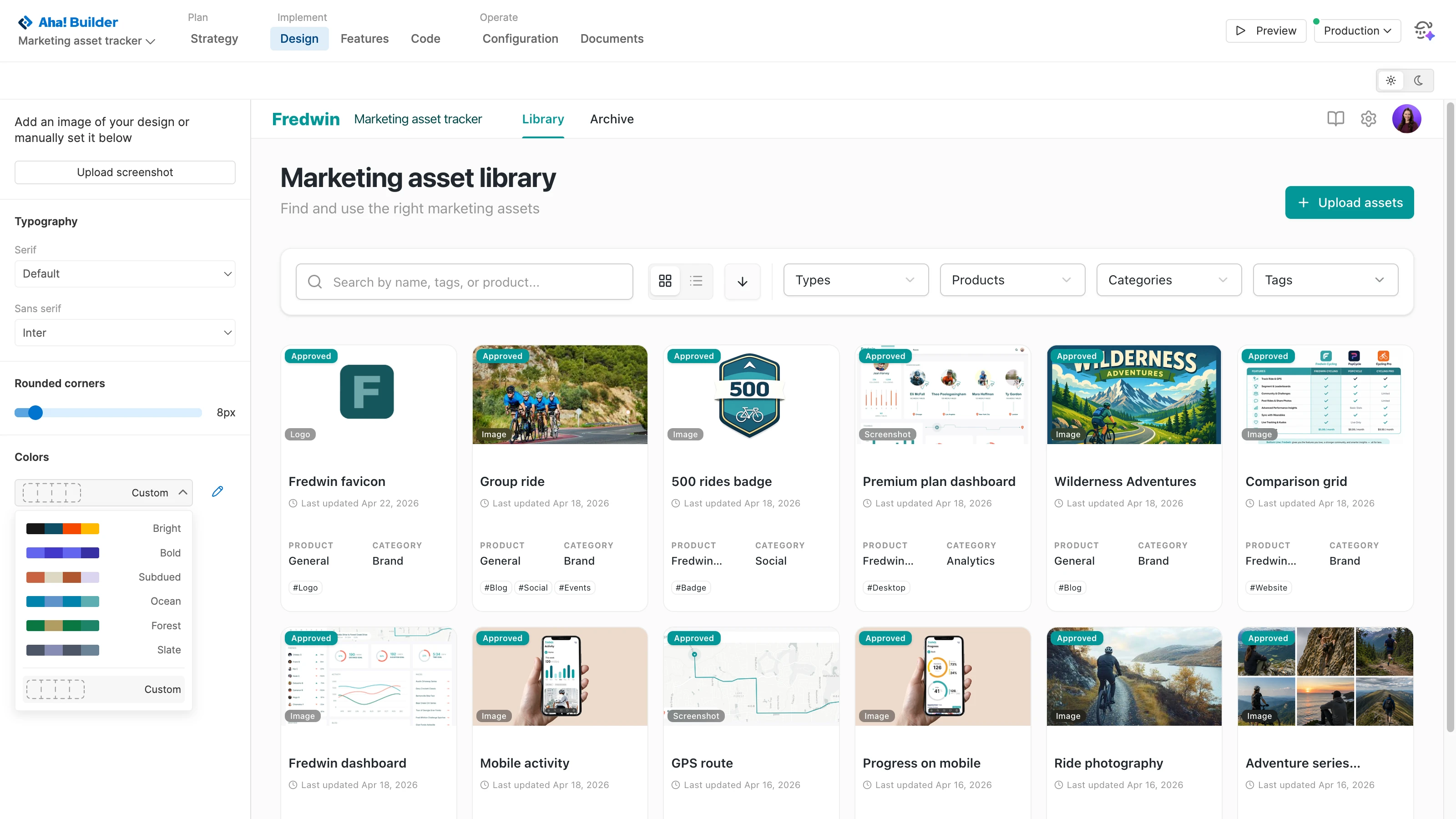
Tailor your application's appearance. Choose one of the preset color palettes — ranging in tone from bright to subdued. Or create a custom theme using hex codes or the dropper tool for precision. Set the typography and other design-related effects, previewing the changes in light and dark mode before saving them.
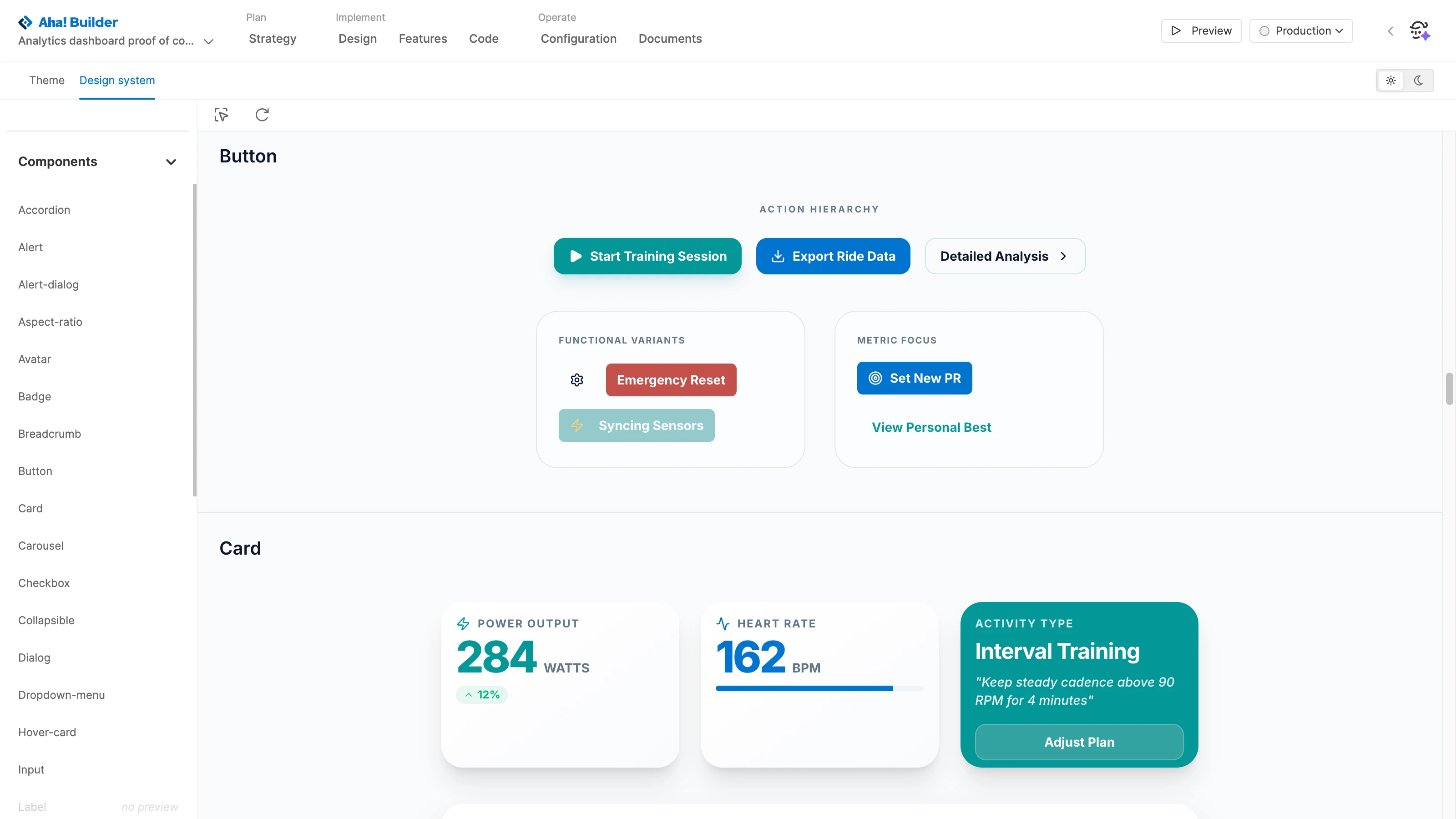
Align with your existing design system. This makes it easy to add your brand's colors, typography, and UI patterns — maintaining a consistent look. The design system becomes part of your application, giving Elle the context needed to build experiences that align with your standards. Update the system as your design evolves over time.
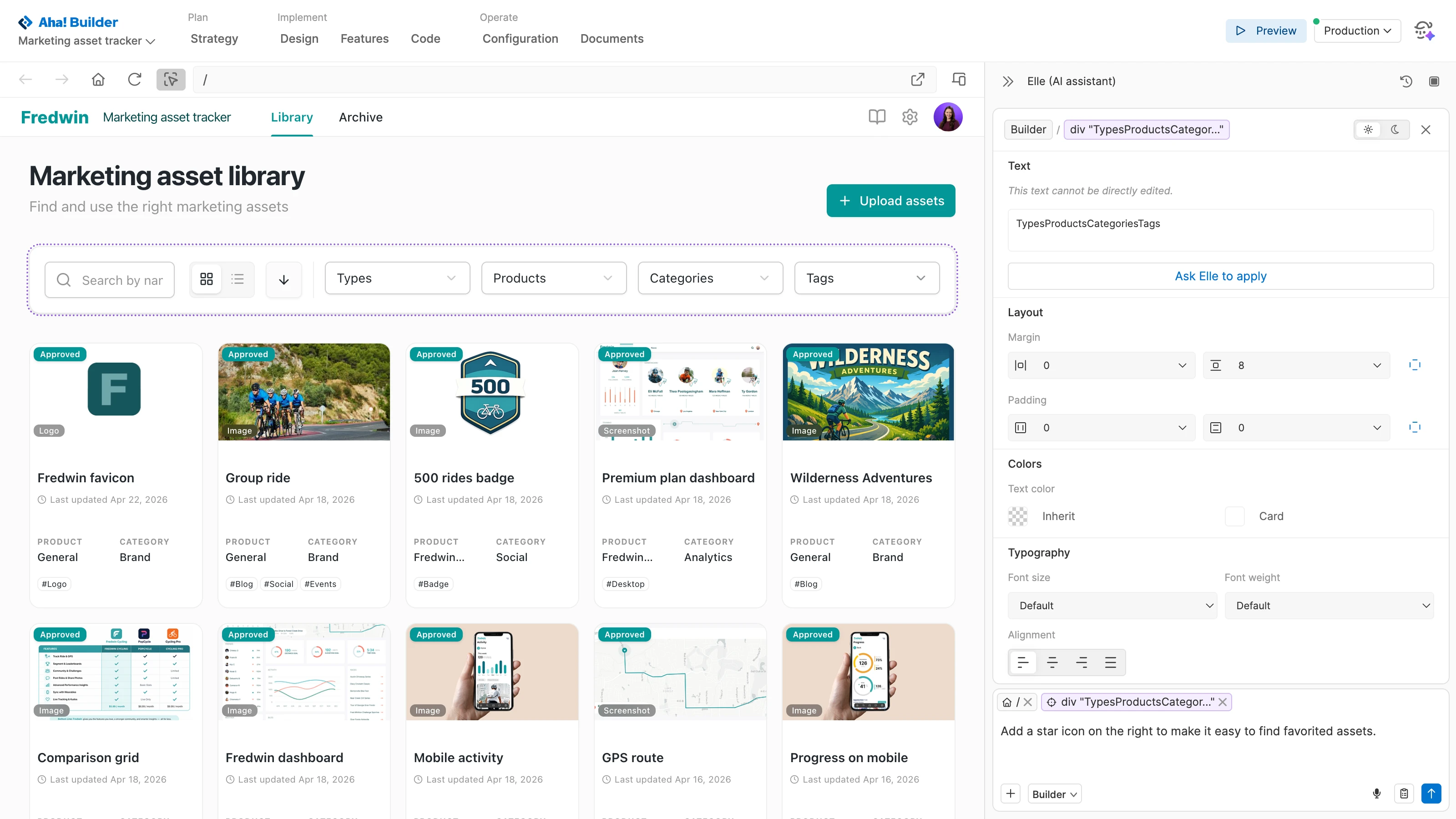
Select any element of your application to fine-tune the details. Update text, adjust alignment, and change the font color, size, and weight. Refine the layout by adjusting margins and padding. The ability to make design edits directly in place helps you iterate faster to achieve the perfect look.
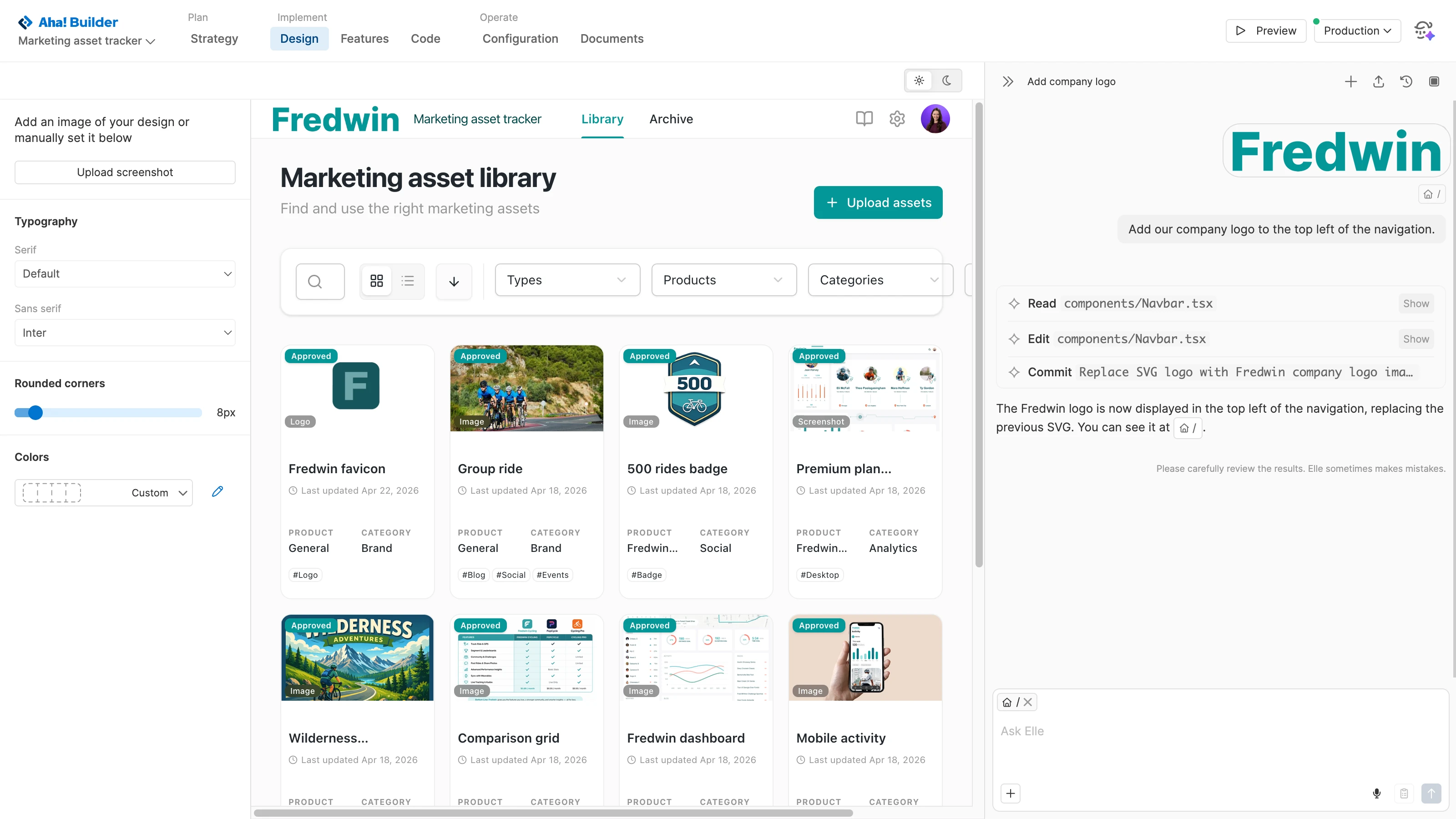
Push your designs further with Elle. Add your company logo to reinforce your brand, make layout improvements, and adjust the style of key elements across screens. Expand the design system as new patterns are needed to create an intuitive, polished experience that you can be proud of.