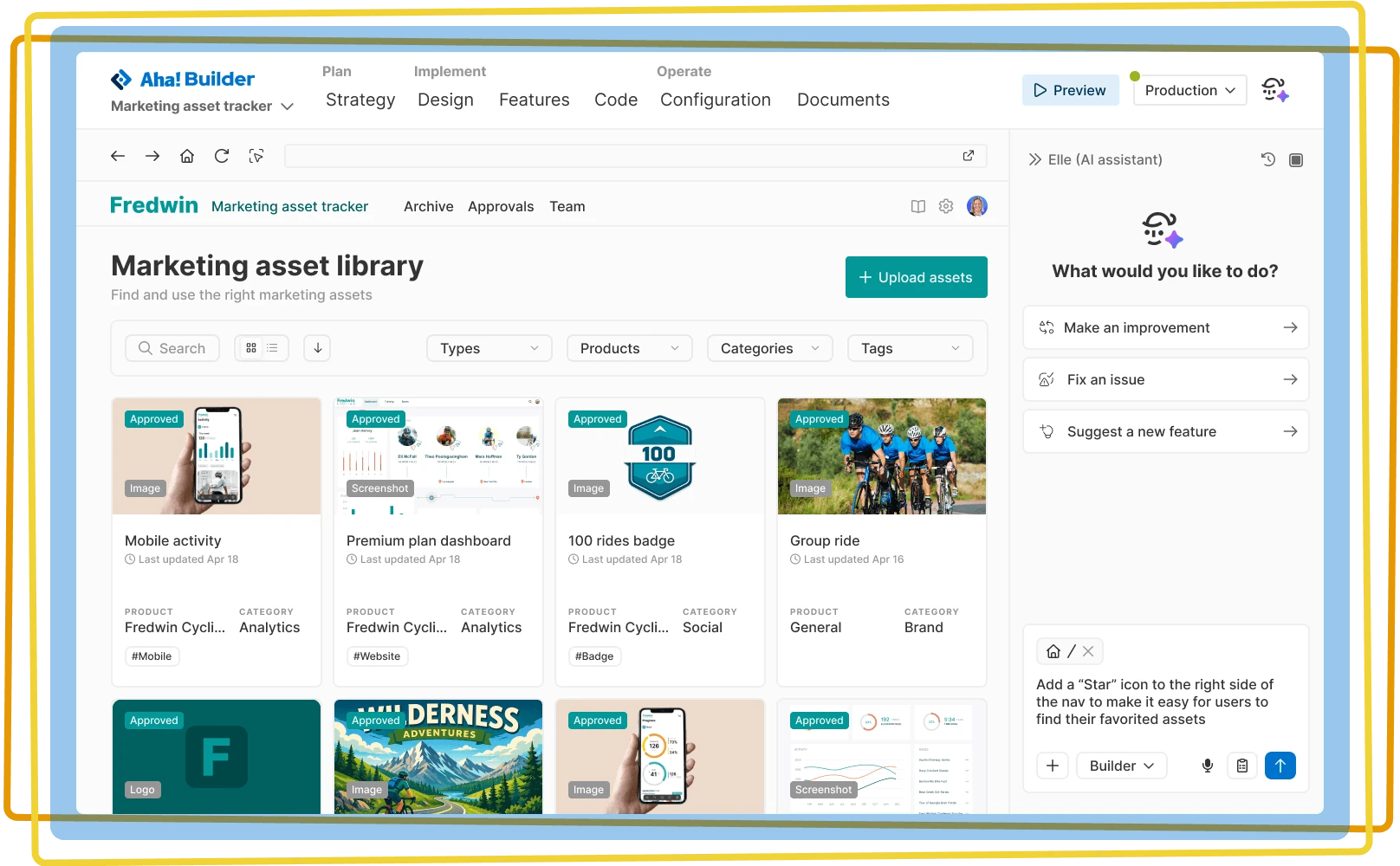

Refine your application
Work with Elle, the powerful Aha! AI assistant, to improve your prototype or application before you go live
Work with Elle, the powerful Aha! AI assistant, to improve your prototype or application before you go live

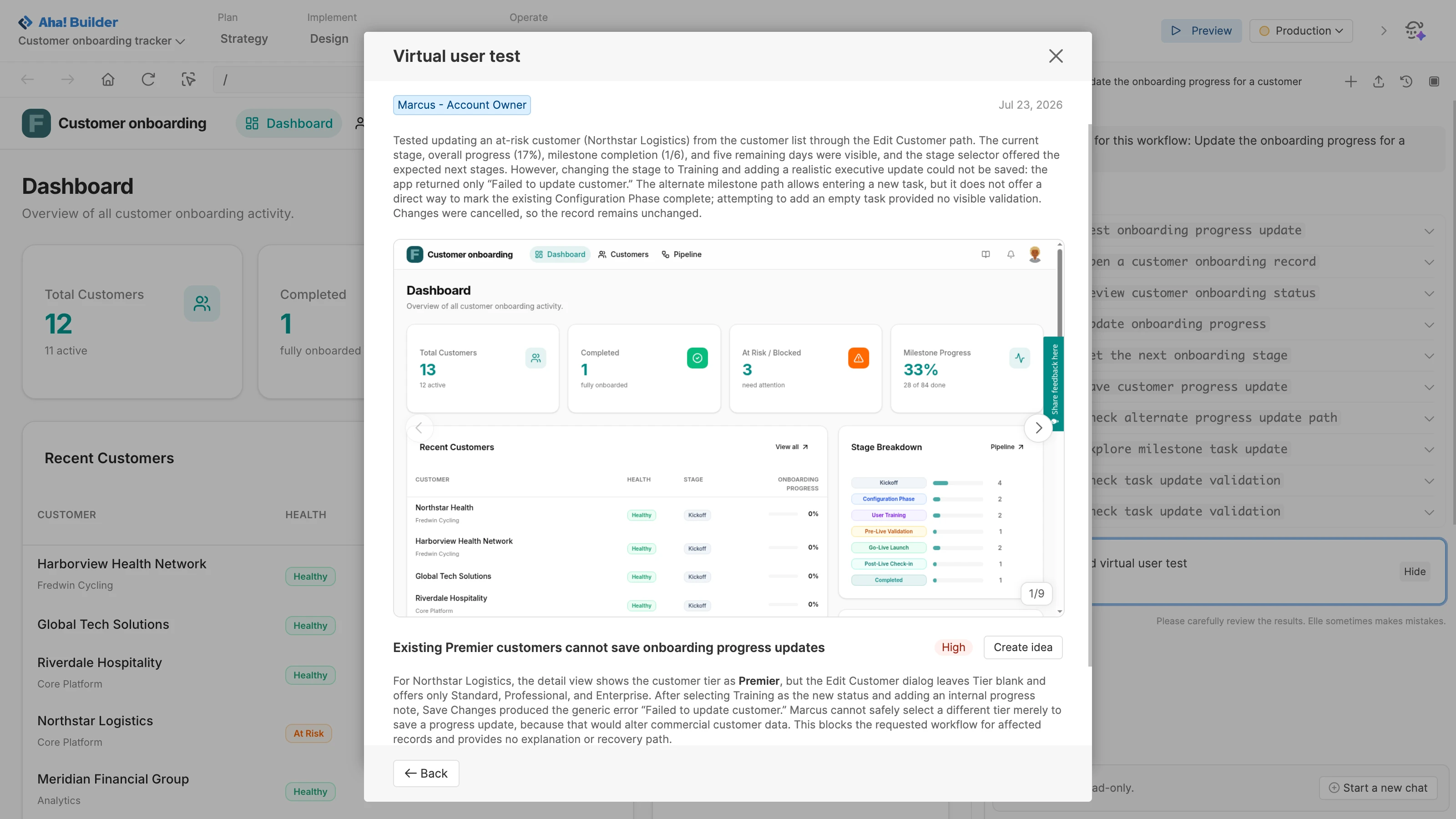
View your prototype or application as if you were an end user. Open menus, click buttons, and navigate through different pages — with sample data from Elle to make it look realistic. Establish a design system to polish the experience. Then, run a virtual user test to catch friction points before real users do.
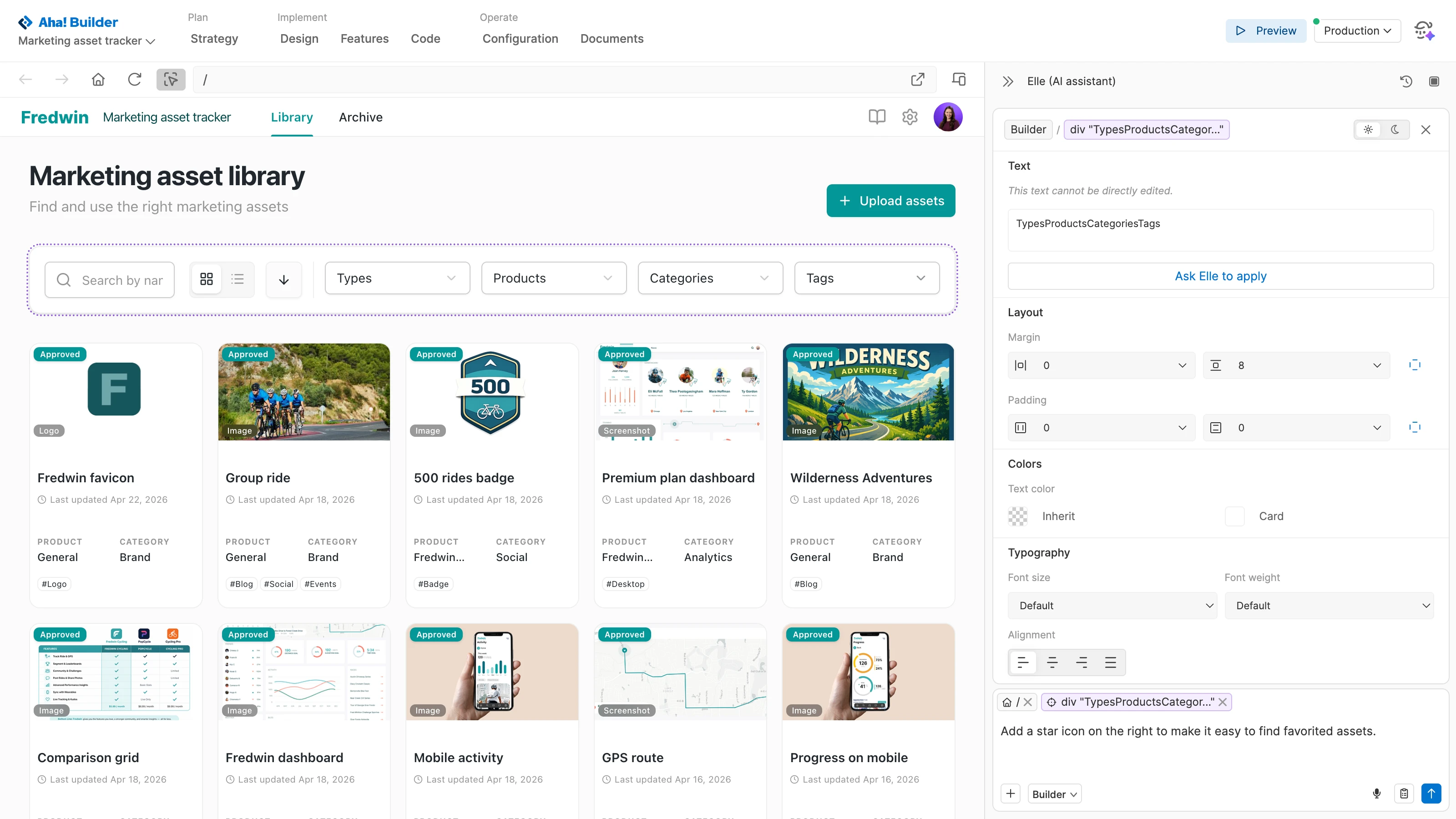
Highlight specific elements in the preview. Make direct edits to text, font styles, colors, and spacing — instantly seeing your changes before saving. Or describe your desired adjustments to Elle. Updates only apply to the selected area, so you can iterate without impacting other parts of the application.
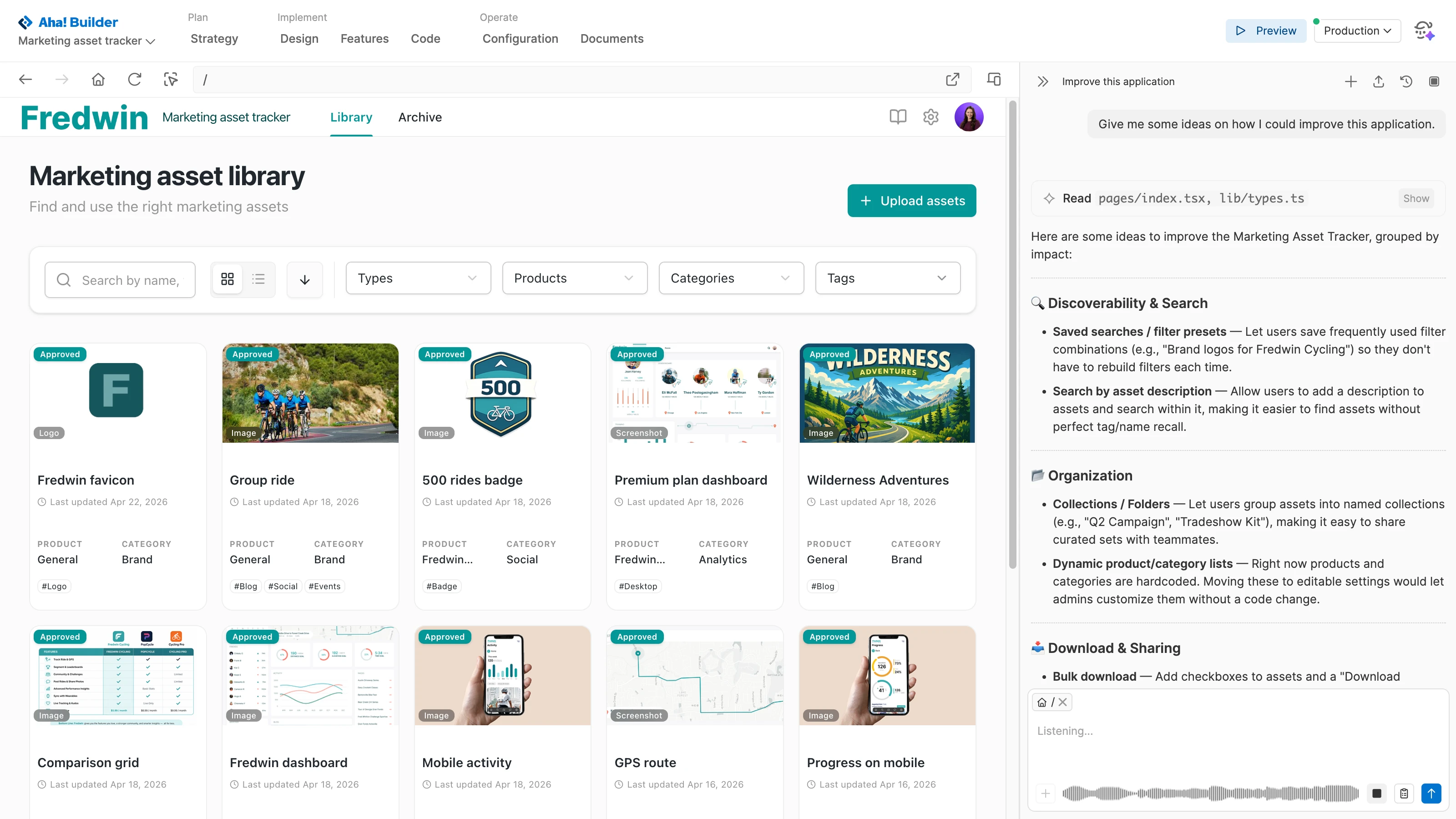
Enter prompts using text or voice. Your message appears in the chat as you speak, so you can review it before sending. Elle immediately starts implementing your request and keeps you informed of progress. Queue follow-up instructions so you can keep going without breaking your flow. When updates are ready, refresh the preview to see your changes — then continue refining.
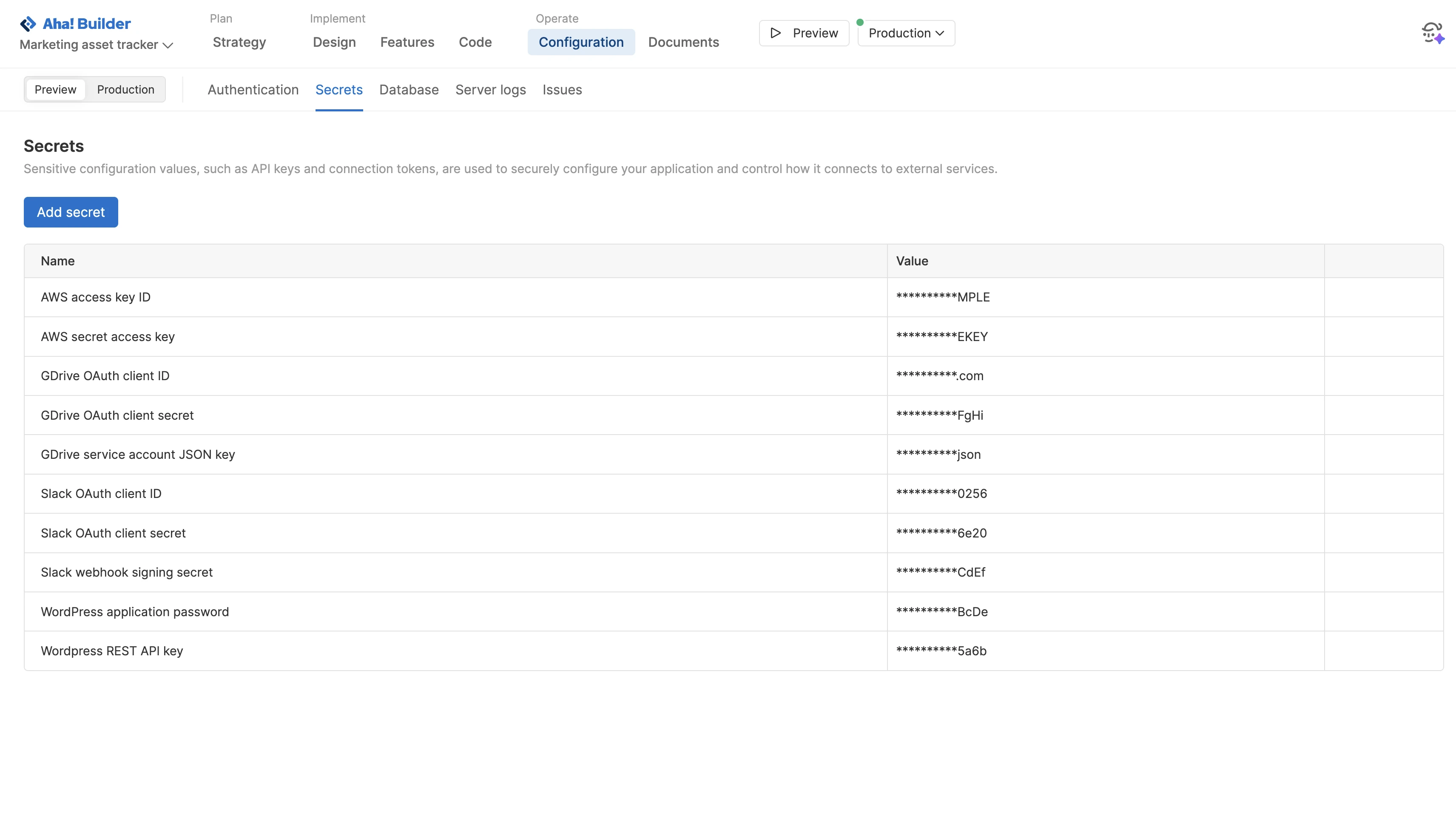
Bring others into your account to build with you. Work together in a cloud-based environment — so anyone can help improve the application. Enhance the UI, test functionality, and configure technical capabilities to ensure everything is ready to go. Need technical help? Assign a guest pass to get assistance from your helpful engineer.
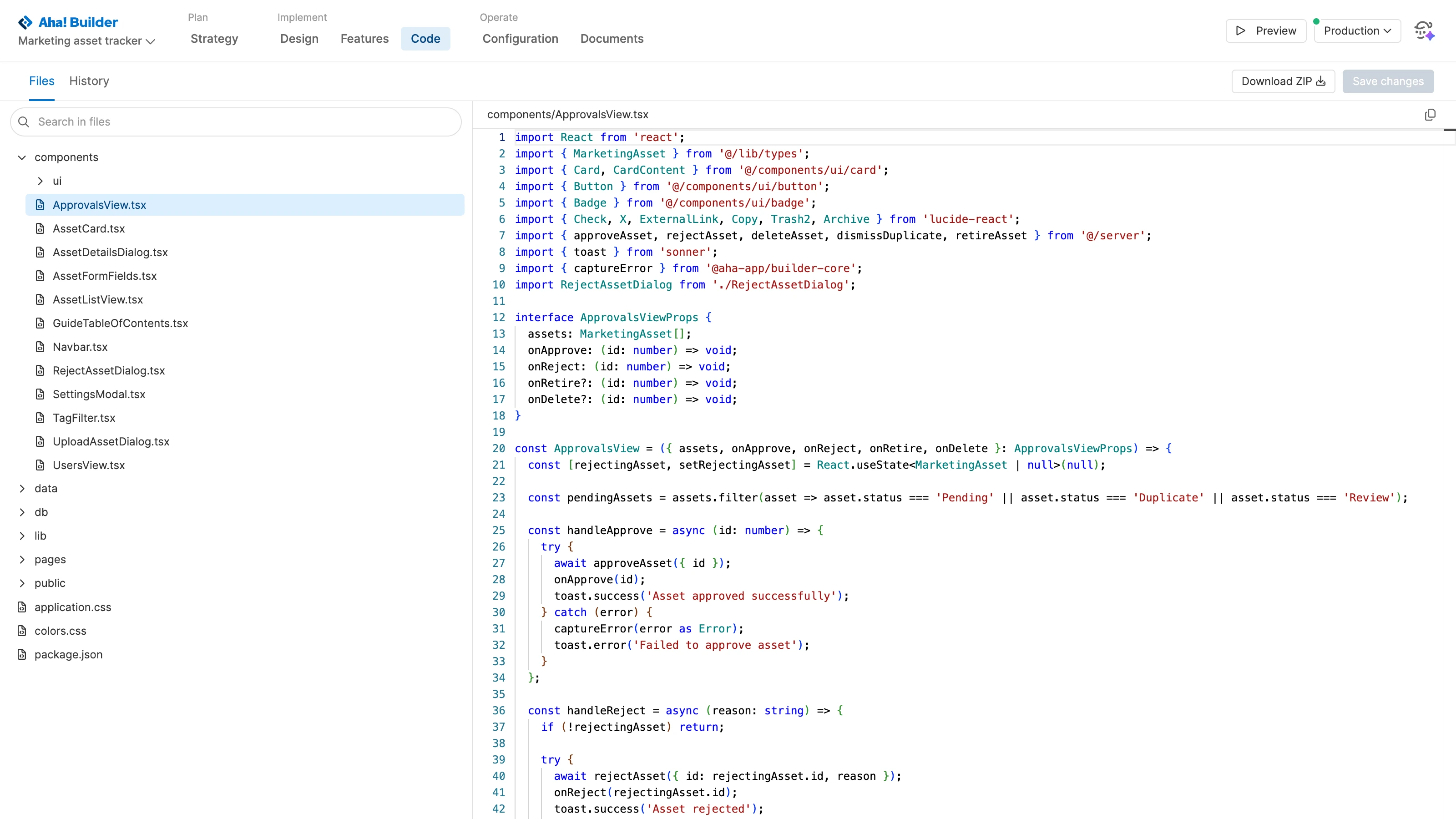
Dig into the code files to inspect and edit what Elle built. View the history log to track exactly what changed and when — rolling back to an earlier version if needed. View the server logs to understand runtime activity and quickly fix issues with Elle. Export a full copy of the application's code at any time.
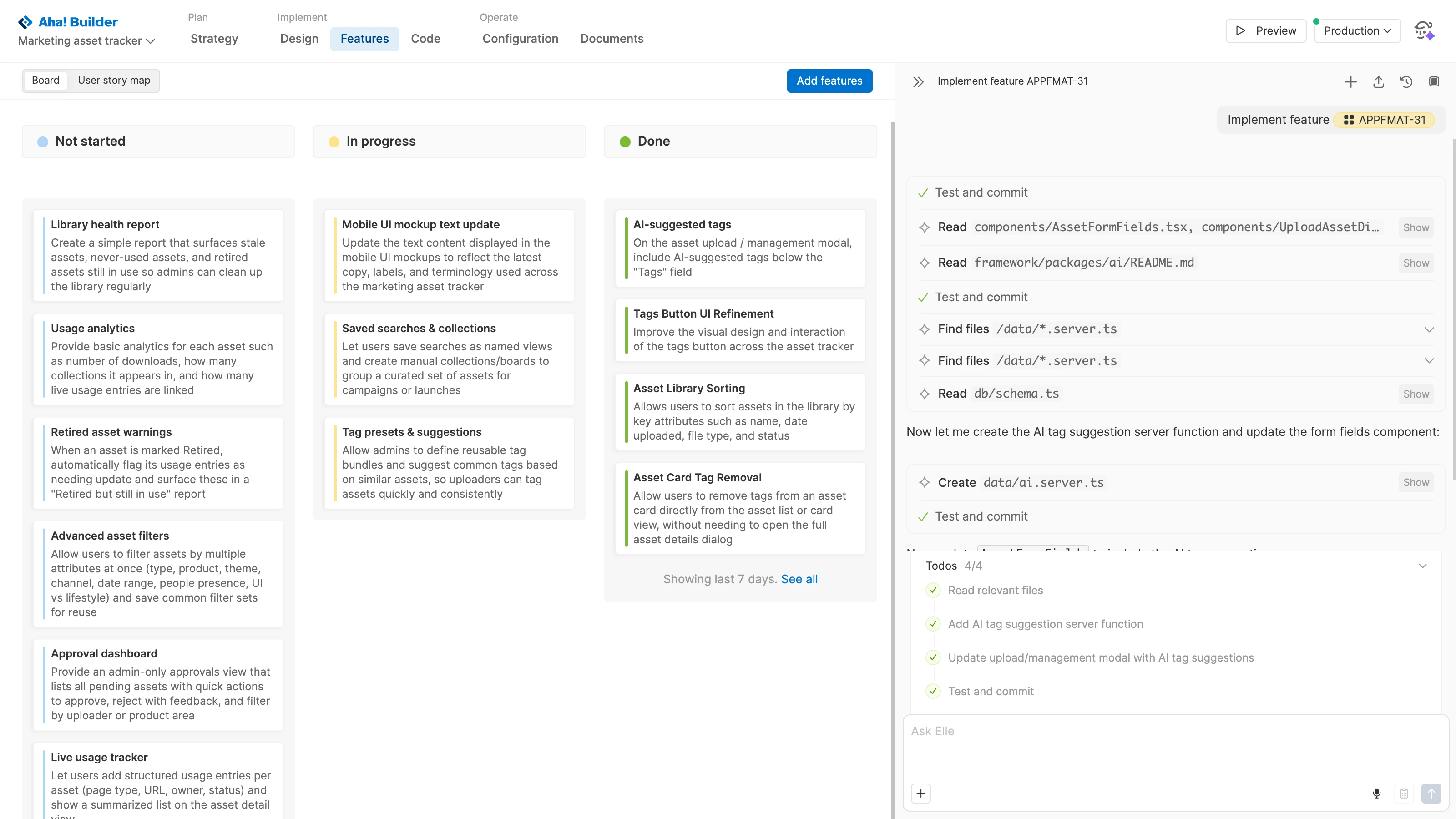
Move your prototype or application to production and gather user feedback. Review incoming ideas in one place and promote the best ones to features. Then, immediately set Elle to work on implementing them. Review in preview mode to make sure everything looks and works the way you want before deploying the updates.